The Lifecycle of a WordPress Website: From Launch to Technical Debt
WordPress websites evolve over time. Learn how performance, plugins, and architecture shape the lifecycle of a website from launch to technical debt.
Chapters
Most WordPress websites begin with a simple goal.
Launch a clean, functional website that represents the business.
At this stage the system is usually lightweight. Pages load quickly. The structure is manageable.
But websites rarely remain static.
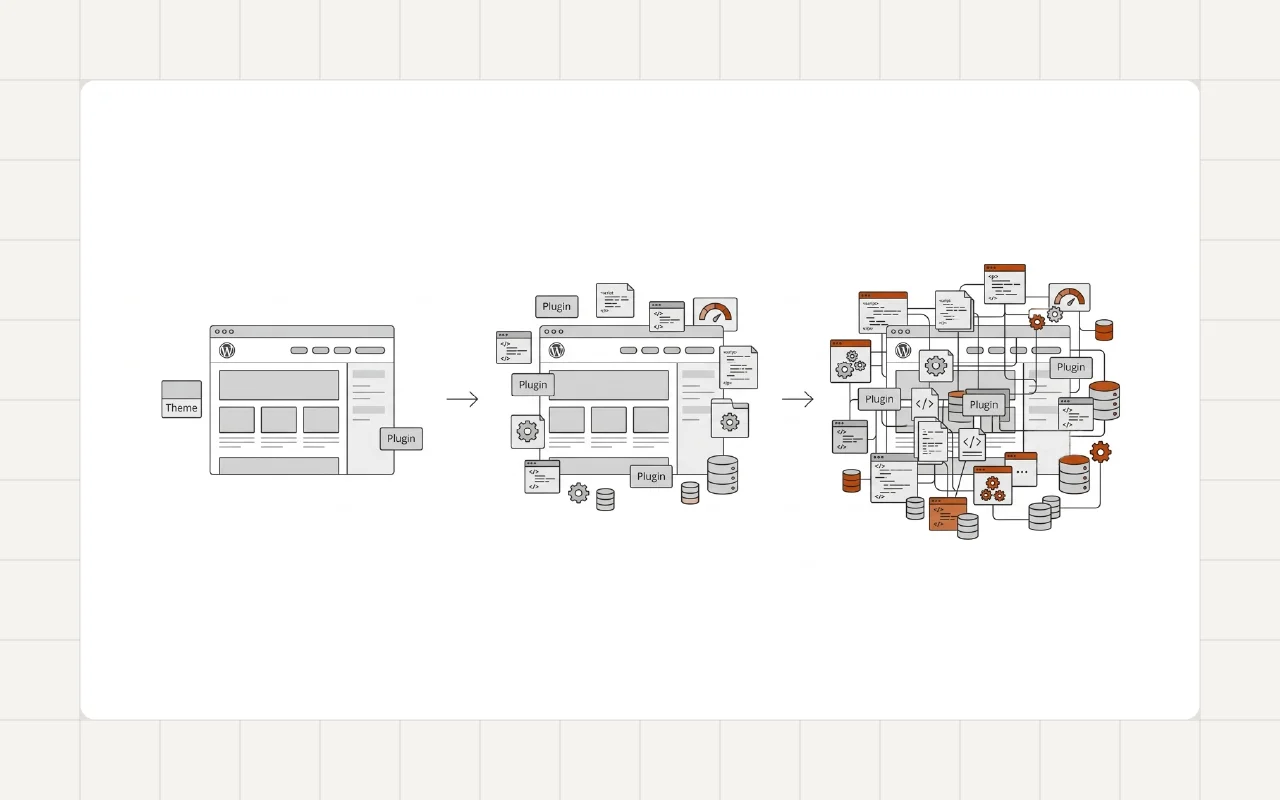
Over time new features are added, plugins accumulate, and the structure becomes more complex.
Understanding the lifecycle of a WordPress website helps explain why many sites eventually become slower and harder to maintain.
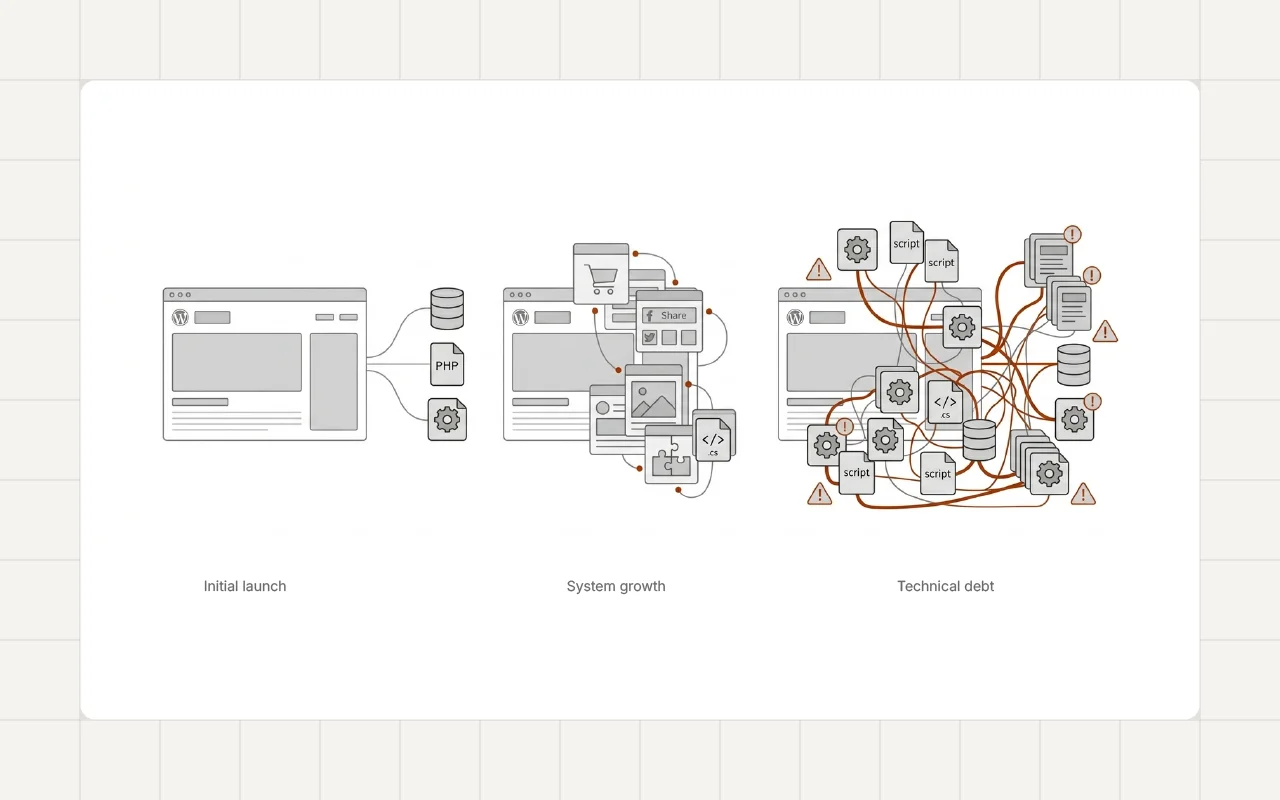
Stage 1: Initial Launch
At launch, most WordPress websites are relatively simple.
They usually include:
- a theme
- a small set of plugins
- a few core pages
- basic content
With limited complexity, the system performs well.
This early stage often represents the best performance the website will experience.
However, growth quickly changes the system.
Stage 2: Feature Expansion
After launch, websites begin to evolve.
Businesses add new features such as:
- marketing tools
- analytics integrations
- additional page templates
- new content sections
These additions often rely on plugins and additional scripts.
Each new feature introduces more components to the system.
Over time this growth can contribute to the gradual slowdown discussed in [Why Most WordPress Websites Become Slow Over Time].
Stage 3: Plugin Accumulation
As the website continues to grow, plugin usage often increases.
Plugins are installed to support new requirements such as:
- SEO tools
- marketing integrations
- performance utilities
- page builder extensions
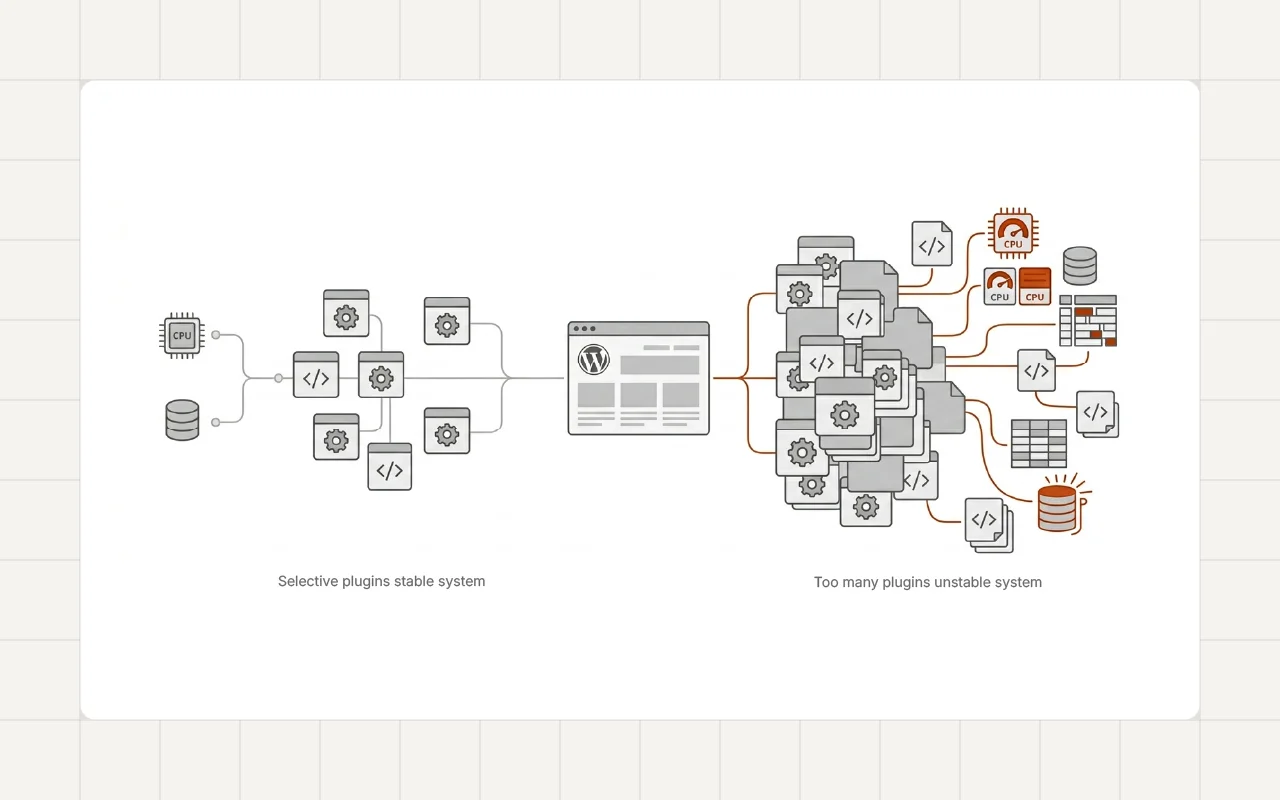
While useful, this accumulation can introduce system complexity.
Multiple plugins may interact with the same parts of the website.
This pattern contributes to the issues described in [Why Plugin Bloat Slowly Breaks WordPress Websites].
Stage 4: Structural Complexity
As the system expands, the structure of the website often becomes more complicated.
Themes are modified. Page layouts become more complex. Additional scripts load across the site.
These changes can affect both performance and maintainability.
Websites with complex systems often experience issues such as those discussed in [Why Many WordPress Websites Become Hard to Maintain].
Without architectural discipline, complexity grows steadily.
Stage 5: Performance Decline
Eventually the combined effects of plugins, scripts, and layout complexity begin to affect performance.
Pages become heavier. Rendering times increase. Updates require more effort.
At this stage many website owners begin searching for performance improvements.
The technical causes of these problems are explained in [Real Causes of Poor Core Web Vitals in WordPress].
However, solving them often requires more than simple optimization tools.
Stage 6: Technical Debt
When complexity accumulates over time, developers often describe the system as having technical debt.
Technical debt appears when earlier decisions make the system harder to modify or maintain.
Examples include:
- overlapping plugins
- complex theme structures
- inefficient asset loading
- outdated system components
At this stage, optimization alone may not fully resolve the issues.
In some cases the system requires architectural restructuring.
Real-World Example
This lifecycle appears frequently in long-running WordPress websites.
For example, during the [Accessible WordPress Website Rebuild for a Civic Information Platform] project, restructuring the system helped simplify templates, reduce plugin overlap, and improve maintainability.
Refactoring the architecture helped reset the system and improve long-term stability.
A Developer Perspective
Experienced developers recognize that WordPress websites naturally evolve through these stages.
The goal is not to prevent growth.
Instead, the goal is to manage growth carefully.
A disciplined development approach emphasizes:
- clean architecture
- careful plugin selection
- controlled asset loading
- regular system reviews
These principles help slow the accumulation of technical debt.
Managing the Lifecycle
Websites that remain healthy over time usually follow a few simple practices.
Review Plugins Regularly
Removing unnecessary plugins prevents complexity from growing.
Maintain Clean Architecture
Structured themes and clear system organization make future changes easier.
Monitor Performance
Regular performance checks help identify problems early.
Plan Feature Growth
New features should be evaluated within the context of the overall system.
Long-Term Perspective
WordPress websites are long-lived systems.
They evolve as businesses grow and requirements change.
Understanding the lifecycle of a website helps developers and business owners manage this growth more effectively.
When structure and performance are considered throughout the lifecycle, websites remain easier to maintain and optimize.
Conclusion
Every WordPress website evolves over time.
What begins as a simple system gradually becomes more complex as features and integrations are added.
Without careful management, this growth can lead to performance decline and technical debt.
Understanding the lifecycle of a WordPress website helps developers build systems that remain stable, efficient, and maintainable over the long term.
Subtle Contact Line
If your WordPress website has grown complex over time and performance or maintenance issues are starting to appear, feel free to reach out.