How Upwork Direct Contracts Work
Understand how Upwork Direct Contracts work, including escrow payments, milestones, and how larger WordPress projects are securely managed.
Chapters
Upwork Direct Contracts allow clients and freelancers to work together on Upwork without using the public marketplace.
This option provides a structured payment system with escrow protection while keeping the workflow simple and transparent.
For larger projects or long-term collaborations, Direct Contracts offer a secure way to manage payments, milestones, and deliverables.
What Is an Upwork Direct Contract?
An Upwork Direct Contract is a private agreement between a client and freelancer created outside the Upwork marketplace.
It allows you to:
- Work directly with a freelancer you already know
- Use Upwork’s secure payment system
- Manage milestones and deliverables
- Protect payments through escrow
This is often used for custom projects, larger builds, or long-term collaborations.
How the Direct Contract Process Works
The process is simple and structured.
Step 1 — Project Scope Is Defined
First, we agree on:
- Project scope
- Timeline
- Budget
- Deliverables
Once everything is clear, a Direct Contract is created through Upwork.
Step 2 — Contract Invitation Is Sent
You will receive a Direct Contract invitation link from Upwork.
Opening the link will allow you to:
- Review project details
- See milestone structure
- Accept the contract
You must have an Upwork account to accept the invitation.
If you don’t have one, you can create it quickly.
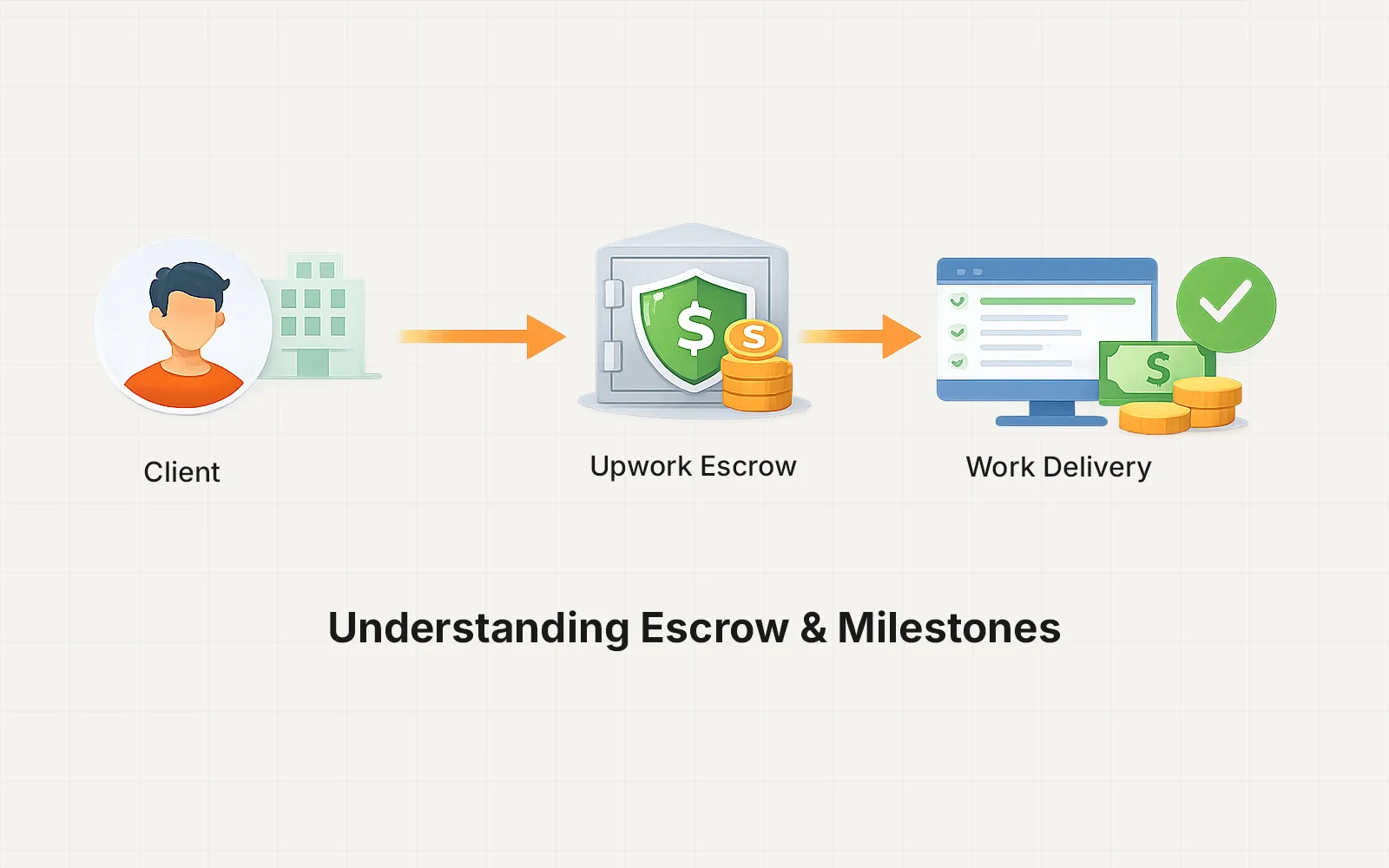
Step 3 — Funding the Escrow
After accepting the contract, the first milestone must be funded.
This means:
- Payment is deposited into Upwork escrow
- Funds are safely held by Upwork
- Work can begin
Escrow protects both sides of the project.
Step 4 — Work Begins
Once the milestone is funded:
- Development or project work begins
- Updates and progress are shared
- Deliverables are completed based on the agreed timeline
This ensures a clear and structured workflow.
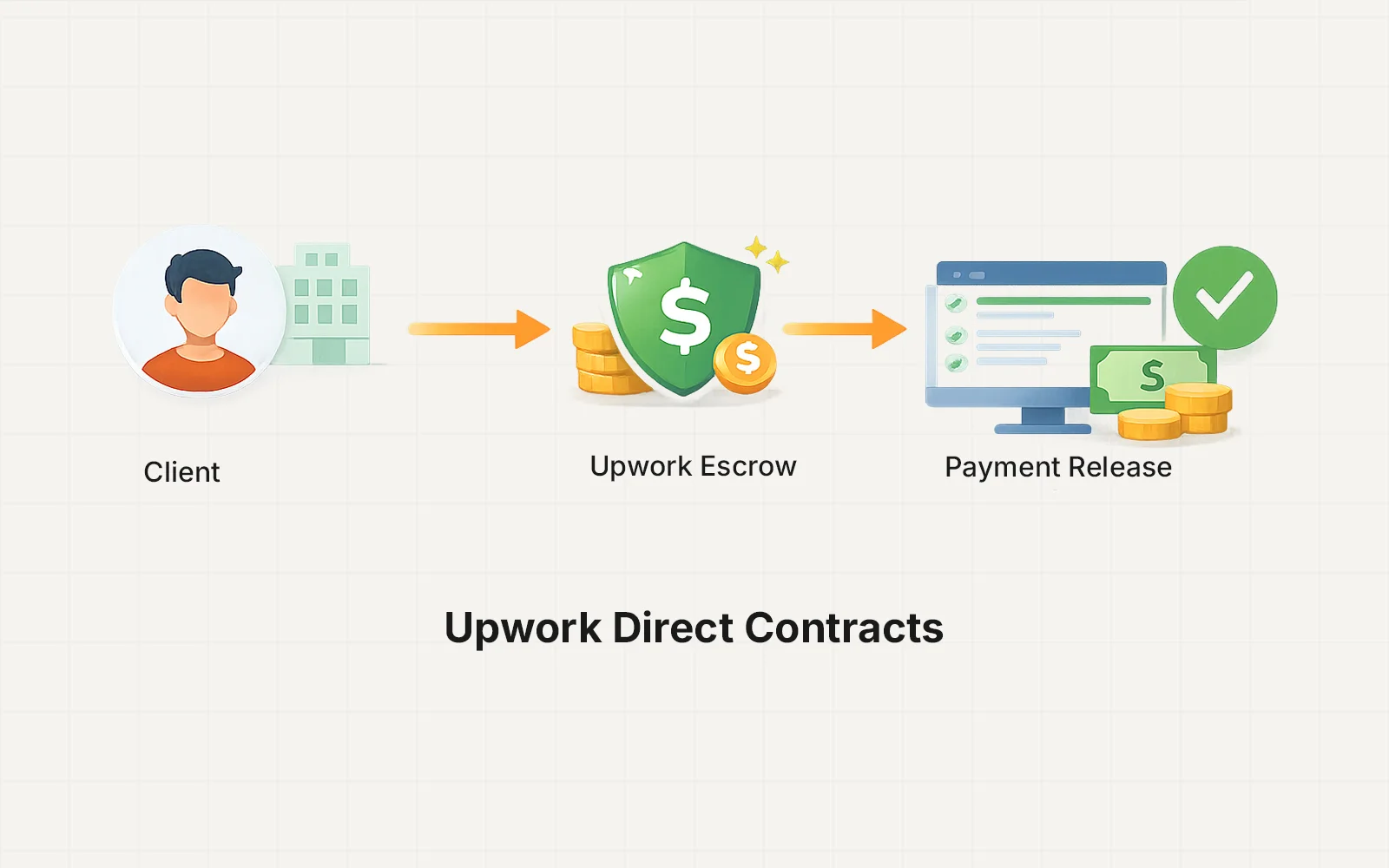
Step 5 — Milestone Approval & Payment Release
When a milestone is completed:
- Deliverables are submitted
- You review the work
- The milestone payment is released from escrow
Upwork then transfers the funds to the freelancer.
Why Direct Contracts Are Used
Direct Contracts provide several advantages:
Secure Payments
Payments are protected through escrow.
Clear Milestones
Projects are broken into manageable stages.
Professional Workflow
Communication and approvals stay organized.
Trusted Payment Processing
Upwork handles billing and fund transfers.
Typical Use Cases
Direct Contracts are commonly used for:
- Custom WordPress development
- Large website projects
- Complex performance optimization
- Long-term technical work
- Projects requiring milestone billing
For smaller tasks or maintenance plans, Payoneer invoicing is often used instead.
Upwork Fees
Upwork applies a contract initiation fee for Direct Contracts.
The fee is typically 3.4% for clients plus a small fixed processing fee depending on payment method.
For the most current information, refer to Upwork’s official documentation:
Upwork Direct Contracts Help Article
https://support.upwork.com/
When Direct Contracts Are the Best Option
Direct Contracts are ideal when:
- The project budget is higher
- Multiple milestones are needed
- Payment security is important
- A formal escrow system is preferred
This structure provides a reliable framework for larger projects.
Need Help Setting Up a Direct Contract?
If your project is a good fit for an Upwork Direct Contract, the invitation will be sent once we finalize the project scope and timeline.
You can then review the contract details and fund the first milestone to begin the project.