WordPress Speed Optimization for Two Digital Marketing Agency Websites
Reducing page load time from 30–40 seconds to under 3 seconds through plugin cleanup, asset optimization, and LiteSpeed caching.
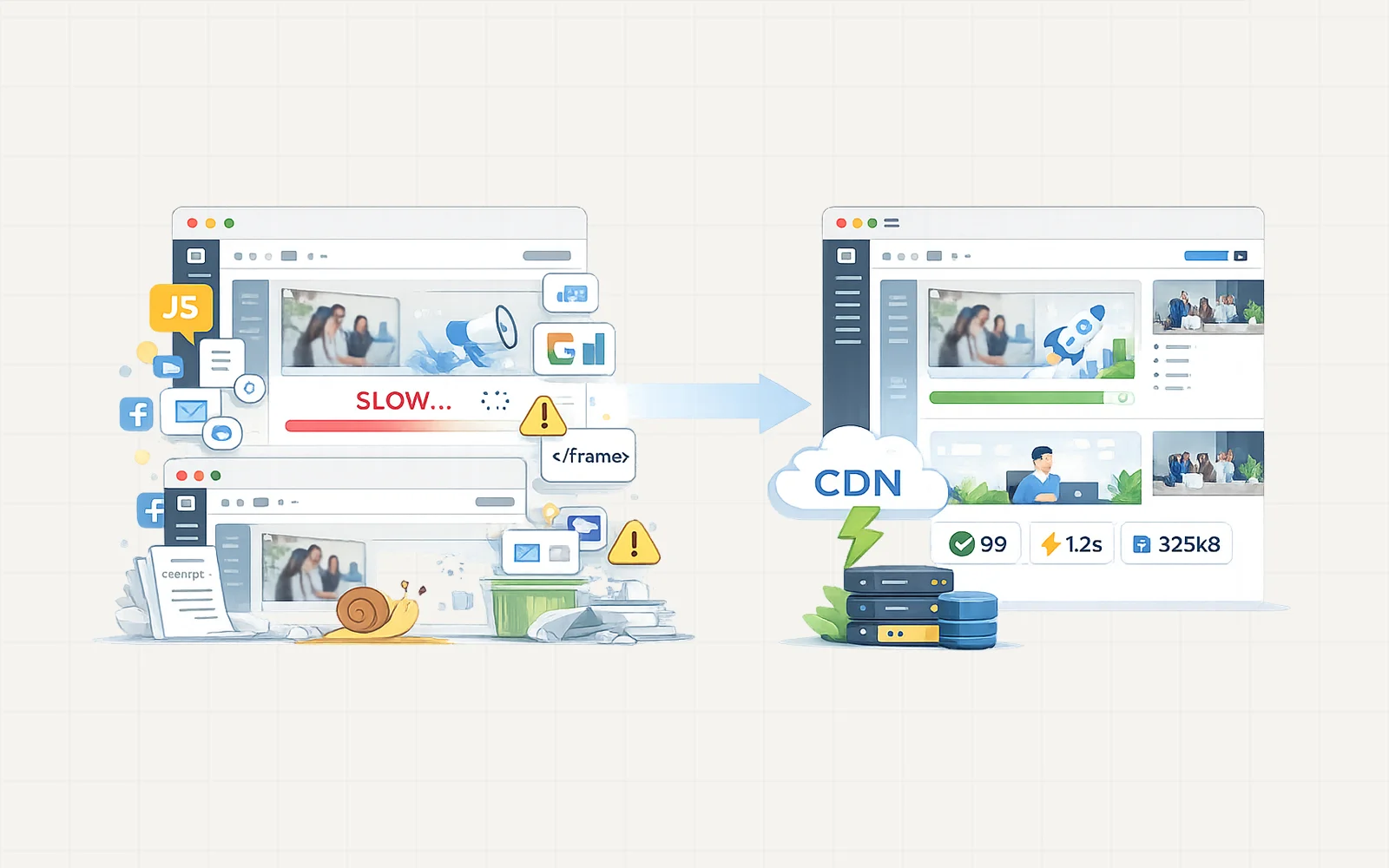
Due to client NDA restrictions, project visuals are represented with simplified illustrations. The architecture and metrics reflect the actual implementation.
Chapters
Project Overview
A digital marketing agency approached me with two WordPress websites that were experiencing severe performance issues.
Both sites were taking 12 to 18 seconds to fully load, which resulted in a poor user experience, lower search engine visibility, and declining conversion performance.
Although the websites used quality hosting and modern themes, the performance problems indicated deeper technical issues within the site structure and asset management.
The goal of the project was to identify the root causes of the slowdown and implement a structured optimization process to significantly improve page speed and overall performance.
Initial Performance Audit
The first step was a complete performance audit to understand why the websites were loading so slowly.
Several major issues were identified:
• multiple render-blocking third-party iframe integrations
• dozens of large and unoptimized images across galleries
• large CSS and JavaScript files that were not minified
• overlapping or unnecessary plugins
• no caching system configured
• no CDN for global asset delivery
• several warnings under Google PageSpeed Insights for best practices and SEO
These issues resulted in PageSpeed scores of 40 on mobile and 65 on desktop.
Identifying Server Resource Issues
During further investigation, it became clear that the shared hosting environment was frequently hitting processing and memory limits.
The primary cause was traced to two problematic plugins:
• a bloated and misconfigured image optimization plugin
• an outdated slider plugin that generated excessive scripts
After removing these plugins, the websites immediately showed visible performance improvements.
Plugin and Asset Cleanup
A structured cleanup process was performed to remove unnecessary overhead and stabilize the websites.
This included:
• removing unused and redundant plugins
• eliminating outdated or inefficient plugins
• cleaning unused scripts and assets
In total, more than eight plugins were removed, which significantly reduced server load and improved site responsiveness.
Image Optimization
Both websites contained many images that were far larger than necessary for their layout containers.
The media assets were reviewed and optimized by:
• resizing oversized images
• removing duplicated media files
• compressing images to reduce file sizes
This process greatly reduced page weight and improved loading performance on image-heavy pages.
Resolving Render-Blocking Iframes
One of the most significant performance issues came from multiple third-party iframe integrations that blocked page rendering.
To resolve this, the iframe elements were replaced with buttons that dynamically load the external content only when users interact with them.
When the user clicks the button, the required scripts are injected into a modal or popup window.
This approach removes render-blocking scripts from the initial page load while preserving full functionality.
Caching and CDN Implementation
Because the websites were hosted on a LiteSpeed server, caching was implemented using the LiteSpeed Cache plugin, which enables server-level caching for better performance.
The caching configuration included:
• full page caching
• CSS and JavaScript minification
• lazy loading for images and iframes
• cache preloading
• database optimization
To further improve performance for global visitors, Cloudflare CDN was integrated to distribute static assets across multiple edge servers.
This significantly reduces latency and speeds up asset delivery.
Performance Results
After completing the optimization workflow, both websites showed dramatic improvements.
Average page load time was reduced from 12–18 seconds to under 3 seconds, with an average load time of approximately 2.7 seconds.
Google PageSpeed scores also improved significantly, reaching approximately 90.
These improvements created a much smoother browsing experience for visitors and strengthened the websites’ SEO performance.
Quality Assurance
Before finalizing the project, a full site review was conducted to ensure that:
• all website functionality remained intact
• integrations continued working properly
• caching configuration behaved correctly
The websites were tested across multiple pages and devices to confirm stable performance.
Results
The optimization process delivered major performance improvements across both websites.
Key outcomes included:
• load time reduced from 12–18 seconds to under 3 seconds
• 8+ unnecessary plugins removed
• render-blocking scripts replaced with dynamic loading
• PageSpeed score improved to around 90
Long-Term Impact
With a cleaner plugin environment, optimized assets, and proper server-level caching infrastructure, both websites now perform significantly better while remaining easier to maintain.
These improvements provide a faster and more reliable experience for visitors while supporting better search engine visibility and long-term website stability.