How Plugin Selection Impacts WordPress Performance and Stability
Plugin selection has a major impact on WordPress performance and stability. Learn how choosing the right plugins prevents long-term issues.
Chapters
Plugins are one of the most powerful features of WordPress.
They allow websites to add complex functionality quickly.
Need a form? Install a plugin.
Need analytics? Install a plugin.
Need SEO tools? Install a plugin.
This flexibility is useful, but it also introduces an important responsibility.
The plugins chosen for a website can significantly affect its performance, stability, and long-term maintainability.
Why Plugin Selection Matters
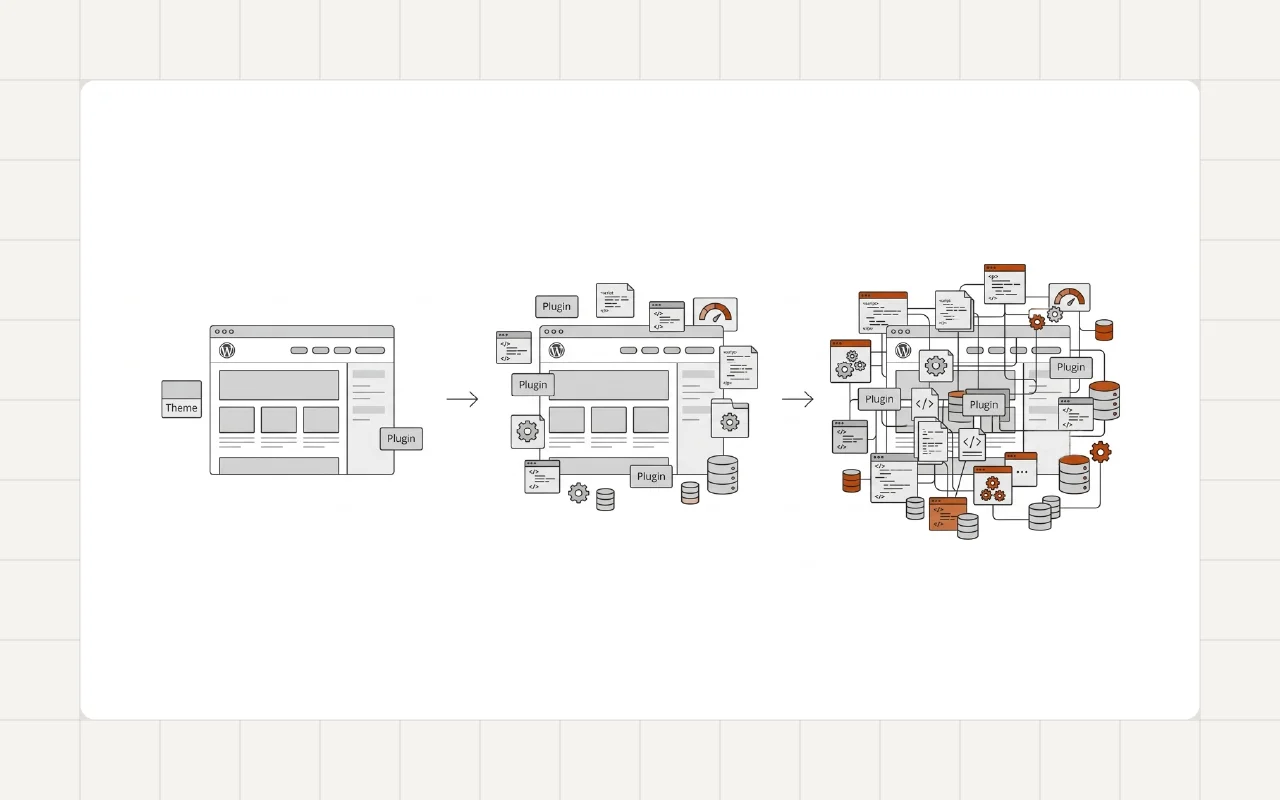
Each plugin becomes part of the system.
It adds code that runs on the server, loads scripts in the browser, and interacts with the database.
Even a small plugin may introduce:
- additional database queries
- CSS and JavaScript files
- background processes
- external API requests
When multiple plugins run together, their combined impact can shape the overall behavior of the website.
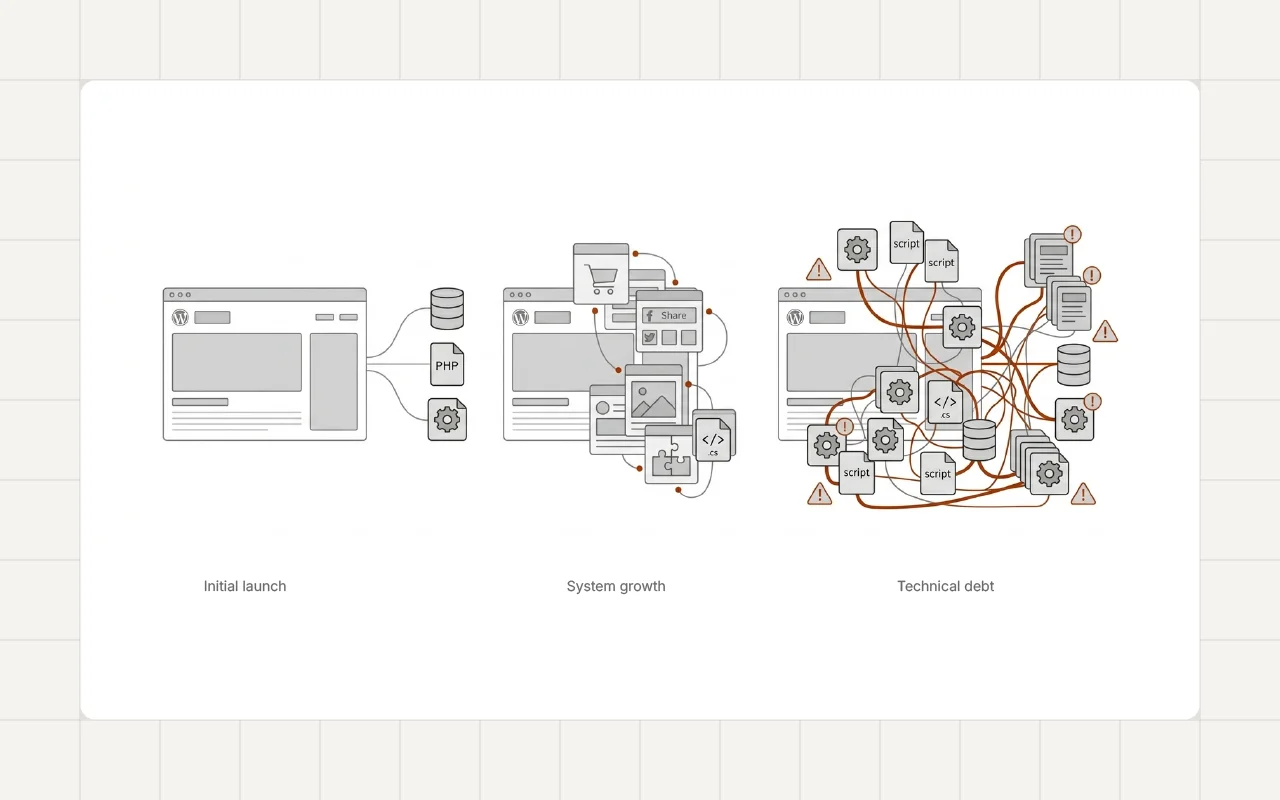
Poor plugin choices often contribute to the gradual performance decline described in Why Most WordPress Websites Become Slow Over Time.
Performance Impact
Some plugins load scripts and styles across every page.
Others run scheduled tasks or background processes.
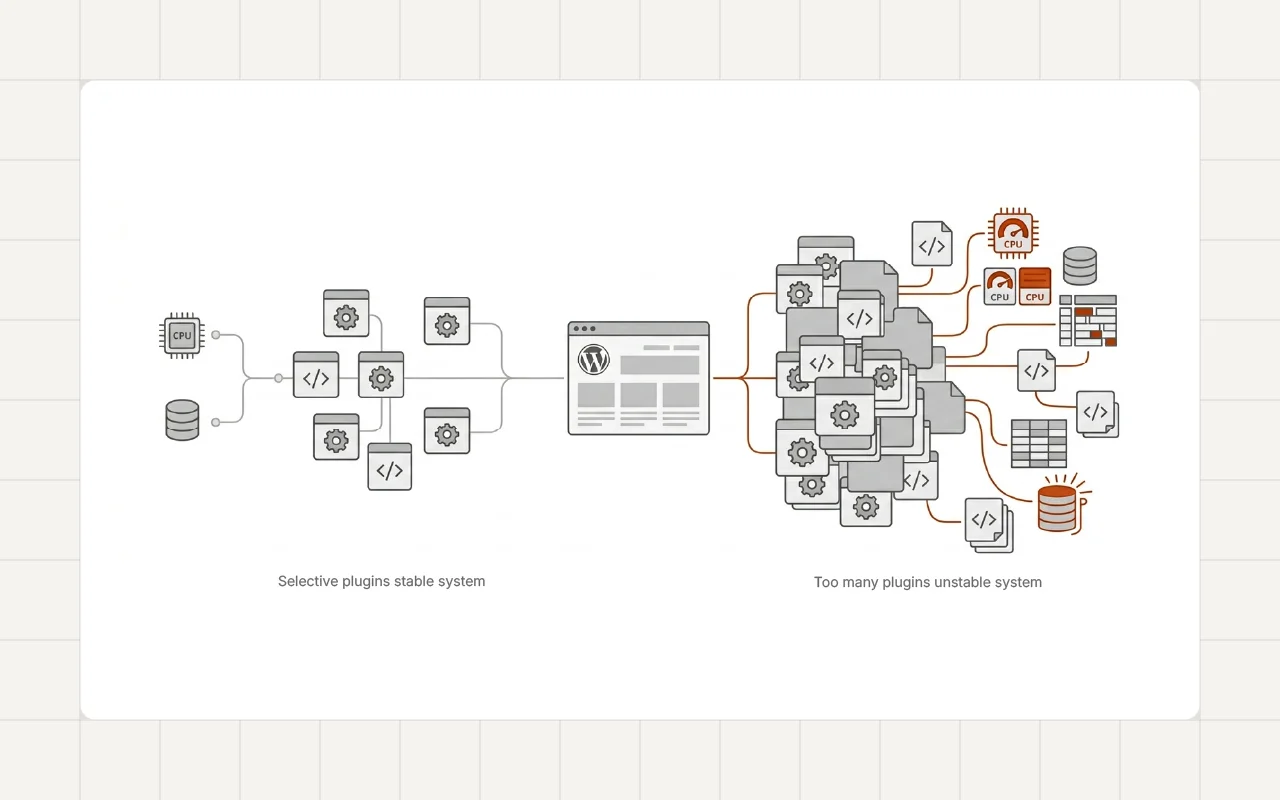
When too many plugins behave this way, the system becomes heavier.
This additional overhead can affect metrics such as those discussed in Real Causes of Poor Core Web Vitals in WordPress.
Careful plugin selection helps control how much work the system performs on each request.
Plugin Overlap
Another common issue is overlapping functionality.
A website may install multiple plugins that perform similar tasks.
For example:
- multiple SEO plugins
- several caching tools
- different form builders
- page builder extensions
This type of overlap increases system complexity.
It also contributes to the plugin accumulation problem explained in Why Plugin Bloat Slowly Breaks WordPress Websites.
Reducing overlap helps keep the system simpler and more predictable.
Plugin Quality
Not all plugins are built the same way.
Some plugins follow strong development practices and maintain efficient code.
Others may introduce unnecessary scripts, inefficient database queries, or compatibility issues.
When selecting plugins, it is helpful to consider factors such as:
- active development and updates
- compatibility with recent WordPress versions
- code quality and performance impact
- long-term reliability
Choosing well-maintained plugins reduces the risk of future issues.
Plugin Architecture and System Design
Plugin selection is also part of overall system architecture.
Developers often treat plugins as building blocks within a larger structure.
When plugins are selected carefully, they support a clean and maintainable architecture.
This approach aligns with the structured development principles discussed in Clean WordPress Architecture for Long-Term Maintainability.
When plugins are added without planning, the system becomes harder to maintain.
Real-World Example
Plugin cleanup is often part of performance optimization work.
For example, during the WordPress Speed Optimization for a Restaurant Website project, removing unnecessary plugins and simplifying the system helped reduce overhead and improve page speed.
Reducing plugin complexity can make a noticeable difference in both performance and stability.
A Developer Perspective
Experienced developers rarely treat plugins as unlimited resources.
Instead, they approach plugin selection carefully.
A typical strategy includes:
- installing only plugins that provide clear value
- avoiding overlapping functionality
- evaluating performance impact
- maintaining a manageable plugin ecosystem
This disciplined approach helps keep the system easier to maintain over time.
Practical Plugin Selection Guidelines
Several simple principles can help maintain a healthy plugin environment.
Choose Plugins Carefully
Install plugins that solve a specific problem clearly.
Avoid Feature Duplication
If one plugin already provides a feature, avoid installing another plugin for the same purpose.
Monitor Plugin Growth
Review installed plugins periodically and remove tools that are no longer necessary.
Consider Long-Term Maintenance
Plugins should support the long-term goals of the website rather than short-term convenience.
Long-Term Perspective
Plugins are an essential part of the WordPress ecosystem.
Used carefully, they provide flexibility and powerful functionality.
However, plugin selection has a direct impact on performance, stability, and maintainability.
Treating plugins as architectural decisions rather than quick fixes helps keep WordPress systems healthier over time.
Conclusion
Plugin selection plays a major role in how a WordPress website behaves.
Each plugin adds functionality, but it also introduces new code and system interactions.
Choosing plugins carefully, avoiding overlap, and maintaining a controlled plugin environment helps keep WordPress websites faster, more stable, and easier to maintain.
If your WordPress website has accumulated too many plugins or performance has started to decline, feel free to reach out.