WordPress Performance Optimization for a Law Firm Website
Improving a slow law firm website from 8–12s load time to under 4s through plugin cleanup, caching, image optimization, and CDN integration.
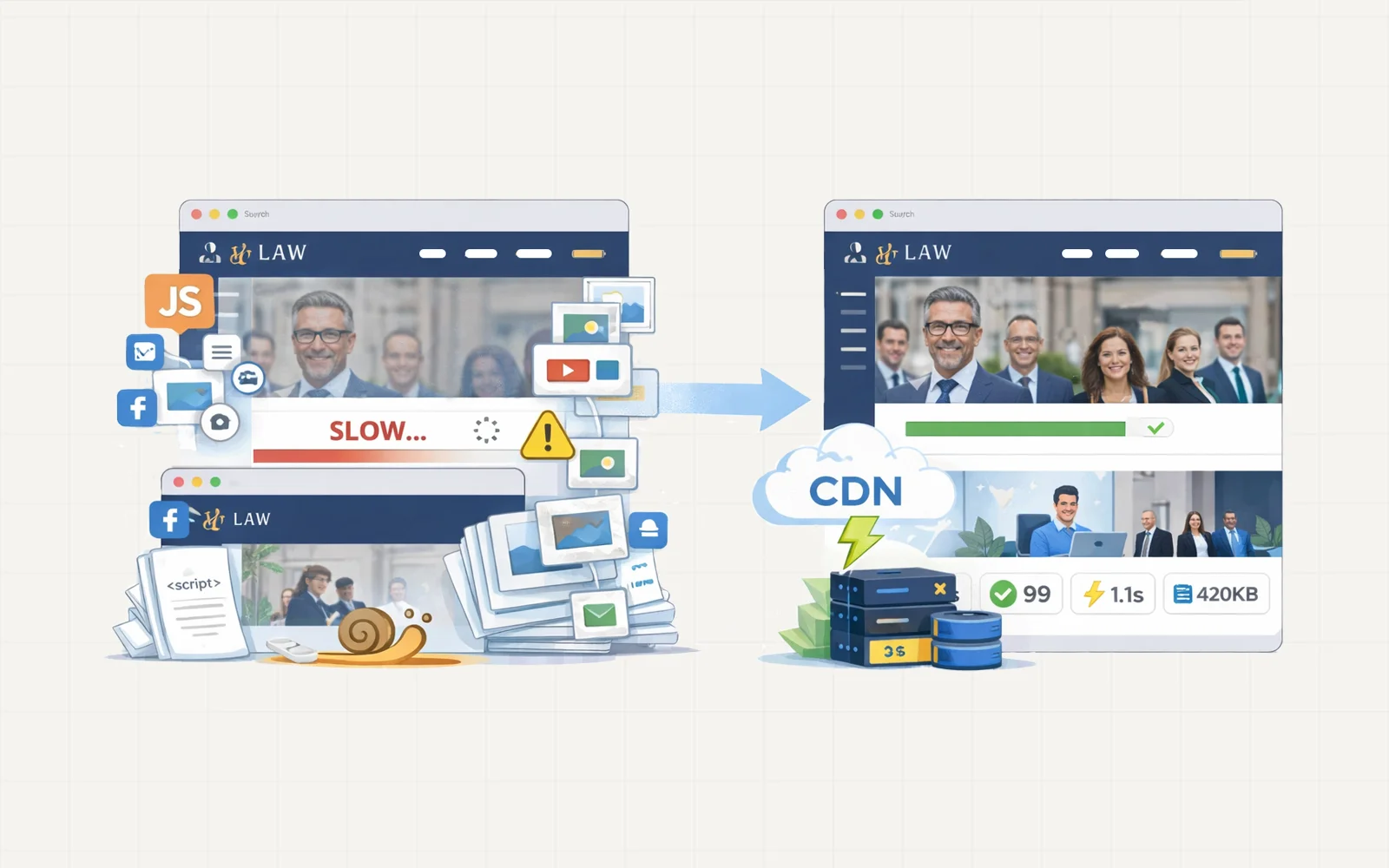
Due to client NDA restrictions, project visuals are represented with simplified illustrations. The architecture and metrics reflect the actual implementation.
Chapters
Project Overview
A law firm website was experiencing significant performance issues, with page load times averaging between 8 and 12 seconds.
This slow performance was affecting user engagement, leading to higher bounce rates and shorter visitor session durations.
Although the site was built using the WordPress Classic Editor rather than a heavy page builder, the performance problems indicated deeper structural issues.
The goal of the project was to identify the root causes of the slowdown and implement a systematic optimization process to improve performance without disrupting the existing website functionality.
Initial Site Investigation
The first step was a full technical audit of the website.
Several issues were immediately identified:
• numerous bulky plugins for sliders, galleries, and marketing tools
• many inactive or unused plugins left installed
• outdated themes and plugins
• no caching system in place
• unoptimized images across the media library
• oversized images exceeding container dimensions
• duplicate media files
• no CDN integration for asset delivery
These issues collectively created unnecessary server load and significantly increased page weight.
Optimization Strategy
Rather than applying quick fixes, the optimization process followed a structured workflow designed to improve performance at multiple levels:
• plugin and theme cleanup
• image and media optimization
• caching implementation
• database cleanup
• CDN integration
Each stage contributed to reducing server load and improving overall page speed.
Media Optimization
The media library contained a large number of unoptimized and duplicated images.
The first step involved cleaning the media library and removing unnecessary assets.
Images that were still in use were carefully resized to match their display containers.
Instead of relying on automated optimization plugins, the images were manually processed using Photoshop and exported as WebP files, reducing file sizes significantly while maintaining visual quality.
This cleanup alone reduced the website’s storage usage by approximately 500 MB.
Plugin and Theme Cleanup
The site contained several outdated and redundant plugins.
These were removed after verifying they were not required for site functionality.
In total, more than 12 plugins were removed, reducing unnecessary scripts and improving server efficiency.
Older unused themes were also removed to reduce clutter and potential security risks.
Caching Implementation
Once the site was cleaned and optimized, a caching solution was implemented using WP Rocket.
The plugin was configured to maximize performance using several techniques:
• page caching
• CSS and JavaScript optimization
• lazy loading for images
• database cleanup
• preloading cache
These optimizations significantly reduced the number of server requests and improved rendering speed.
CDN Integration
To further improve asset delivery speed, Cloudflare CDN was introduced.
This allowed static assets such as images, CSS, and JavaScript files to be delivered through a global content delivery network.
The CDN reduces latency by serving assets from servers closer to the visitor’s location, improving loading times for users across different regions.
Performance Results
After the optimization process was completed, the website showed significant performance improvements.
Average page load time improved from 8–12 seconds to approximately 3.6 seconds.
The website also achieved a PageSpeed performance score of 92, demonstrating strong overall optimization.
Quality Assurance
Before completing the project, a full site review was conducted to ensure that:
• no functionality was broken
• layouts remained intact
• caching settings worked correctly
This ensured the improvements did not interfere with the existing user experience.
Client Documentation
To help the client maintain the improvements, a short guide was provided explaining:
• when to clear the cache
• how caching affects content updates
• best practices for uploading optimized images
This documentation ensures the client can manage the site confidently without worrying about performance issues.
Results
The optimization process significantly improved the site’s speed and stability.
Key outcomes included:
• load time reduced from 8–12 seconds to 3.6 seconds
• 12+ unnecessary plugins removed
• 500 MB reduction in media storage
• PageSpeed score improved to 92
Long-Term Impact
With a cleaner plugin environment, optimized media assets, and proper caching infrastructure, the website now performs significantly better while remaining easier to maintain.
These improvements help provide visitors with a faster browsing experience and support better long-term site stability.