How to Set Up Recurring Payments on Payoneer
Learn how to simplify monthly WordPress maintenance payments using Payoneer with options for recurring payments or easy monthly invoices.
Chapters
If you’re subscribed to a monthly WordPress maintenance plan, you may prefer automatic monthly payments instead of receiving a new invoice every month.
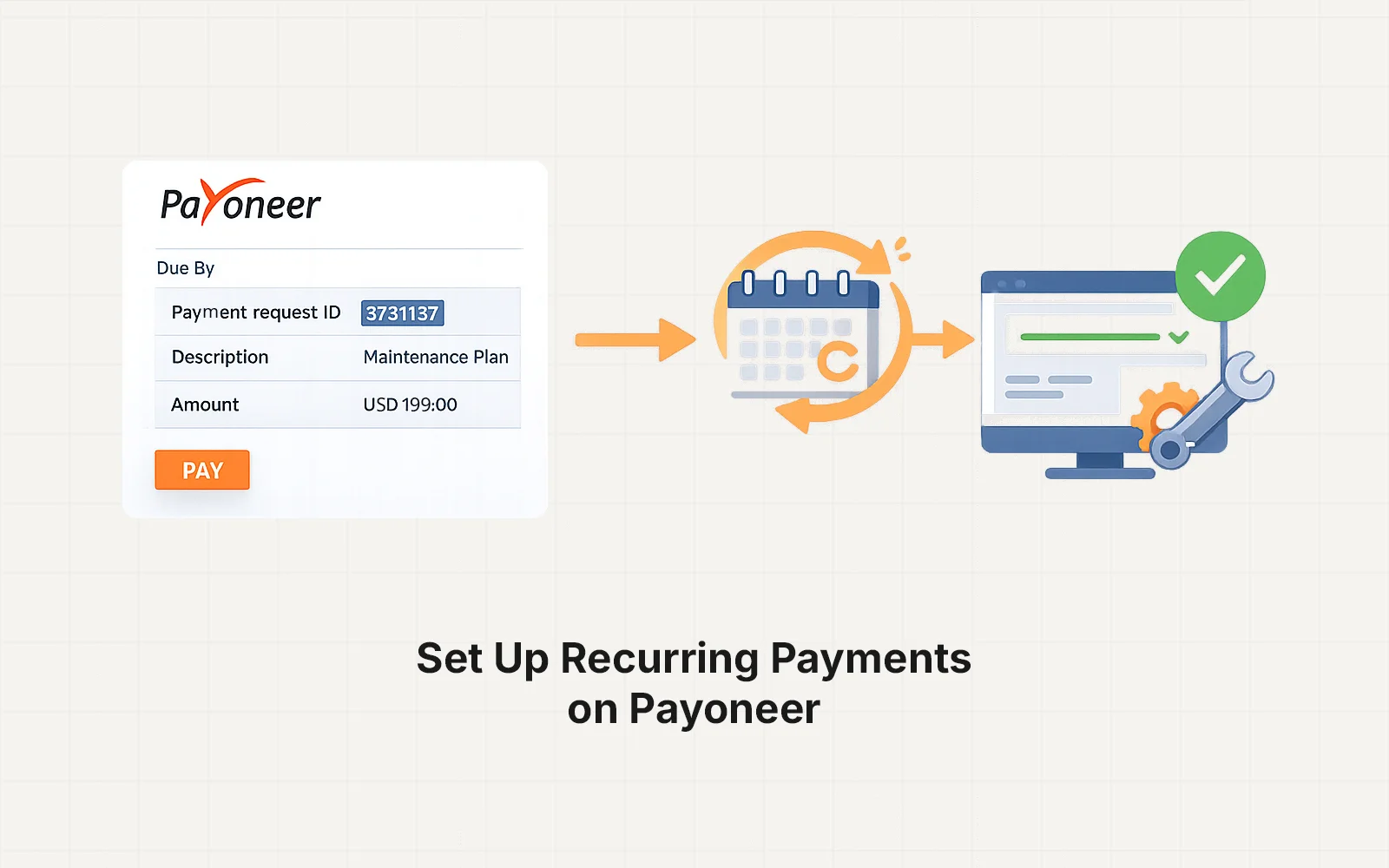
While Payoneer does not currently offer traditional subscription billing like Stripe, some clients choose to set up recurring payments through their bank or card provider using the Payoneer invoice details.
This guide explains the available options and how to simplify monthly payments.
When Recurring Payments Are Useful
Recurring payments are helpful if you are subscribed to a monthly maintenance plan, which typically includes:
- WordPress updates
- Security monitoring
- Backups
- Performance checks
- Ongoing support
Instead of manually paying each month, some clients prefer a scheduled payment through their bank or card provider.
Option 1 — Monthly Invoice (Recommended)
The most common approach is receiving a monthly Payoneer invoice.
Each month you will receive:
- A payment link
- Invoice details
- Payment methods available in your region
You simply open the invoice and complete payment.
This option is:
- Simple
- Flexible
- Easy to manage
For most clients, this works perfectly without requiring additional setup.
Option 2 — Bank Scheduled Payment
Some clients choose to set up a scheduled bank transfer from their banking dashboard.
To do this, you would:
- Pay the first invoice normally.
- Save the Payoneer payment details.
- Schedule a recurring monthly payment from your bank.
Exact steps depend on your bank or payment provider.
Before doing this, confirm the following:
- Monthly plan amount
- Billing date
- Currency used for payment
This helps ensure payments arrive correctly each month.
Option 3 — Pay Through Upwork Direct Contract
For some clients, recurring maintenance payments are handled through Upwork Direct Contracts.
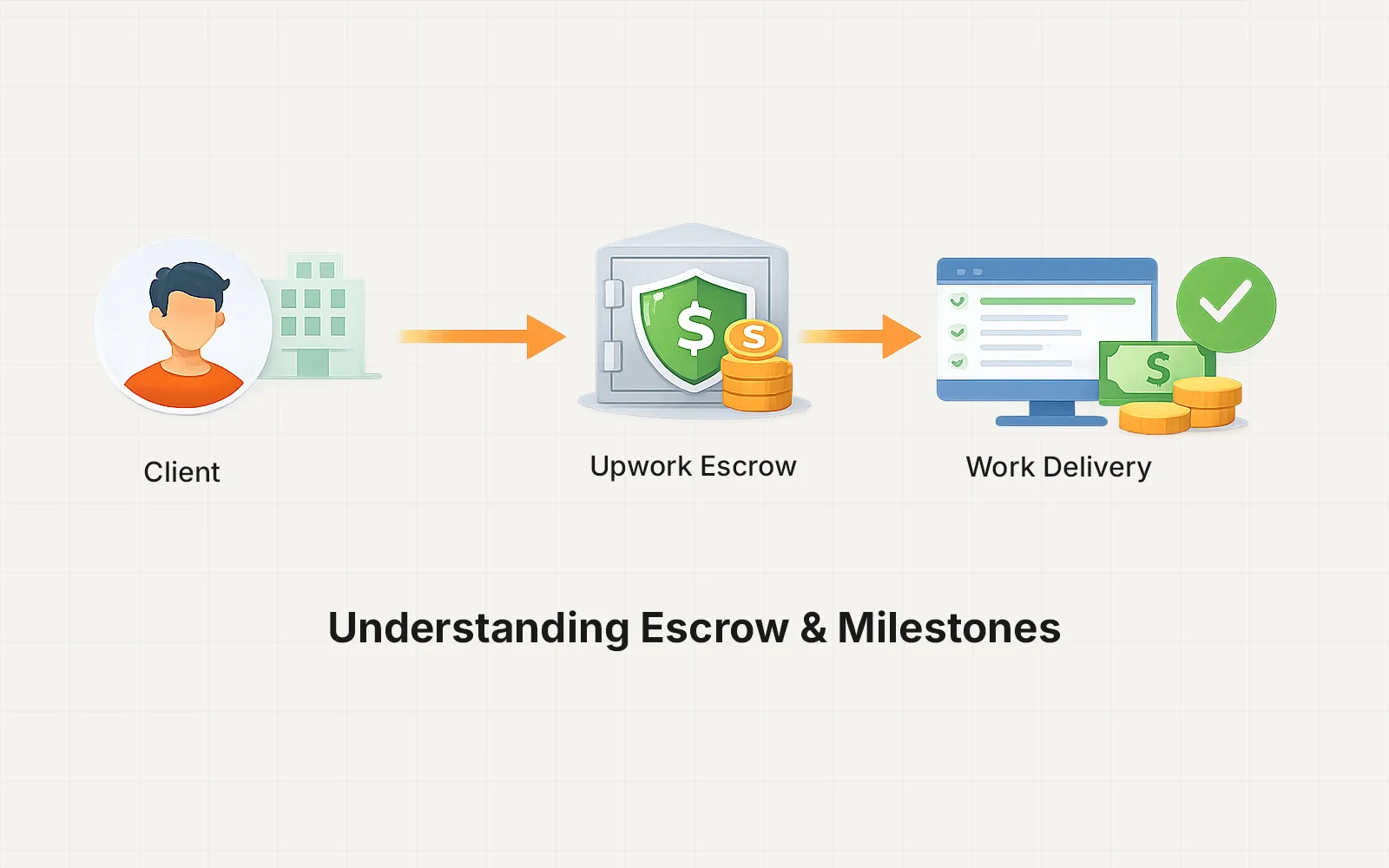
In this case, billing and milestones are managed through the Upwork escrow system instead of Payoneer.
You can learn more in this guide:
How Upwork Direct Contracts Work
Important Things to Know
Before setting up recurring payments, keep these points in mind:
- Maintenance plans are billed monthly in advance
- Payment confirms the start of the next service cycle
- Pricing and scope should always match your current maintenance plan
If you plan to schedule automatic payments, it’s best to confirm the correct details beforehand.
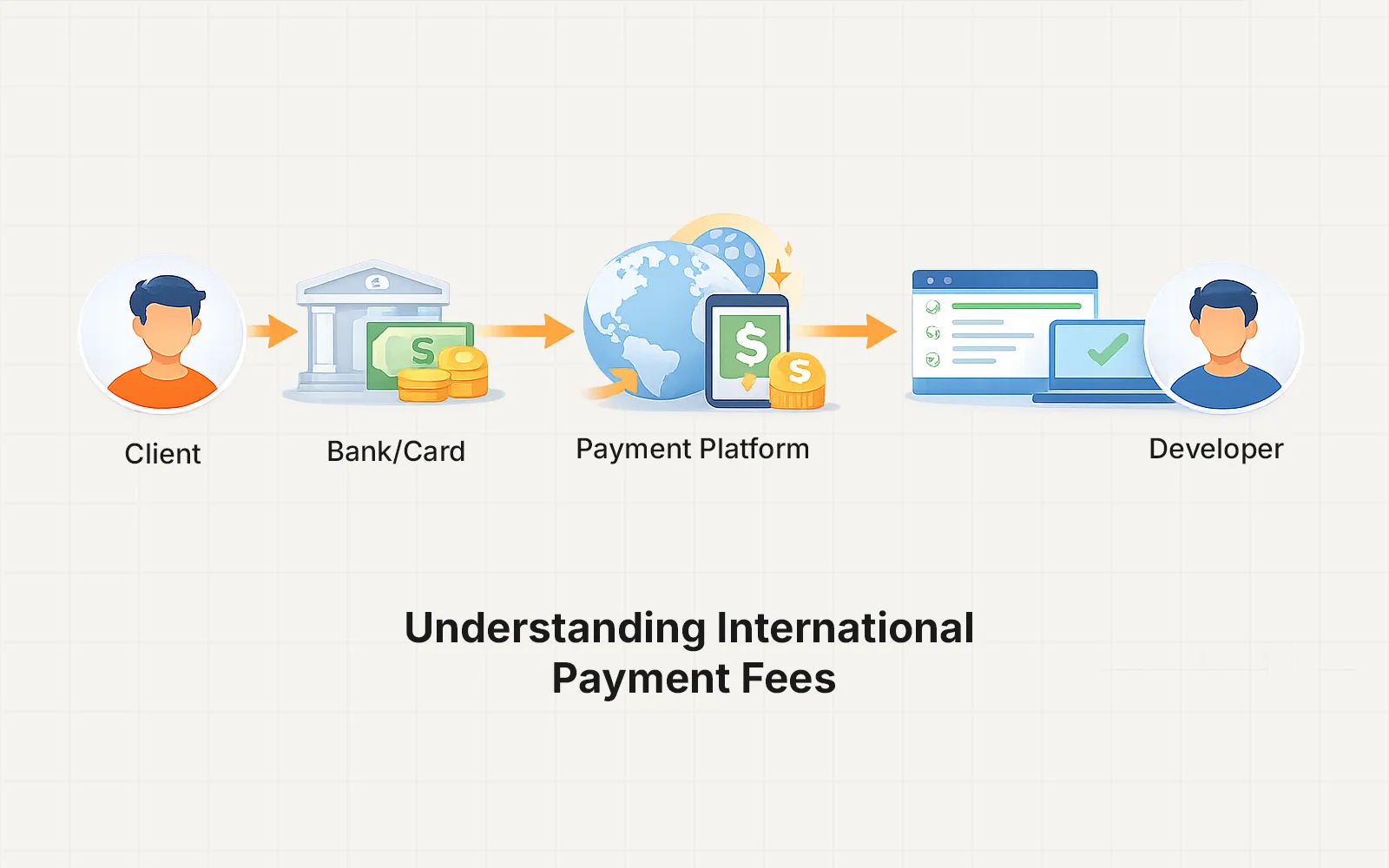
Payoneer Fees & Currency Conversion
Payoneer fees may vary depending on:
- Payment method
- Currency
- Country of the payer
For the latest Payoneer pricing details, please refer to the official documentation:
Payoneer Pricing & Fees
https://www.payoneer.com/about/pricing/
If You Prefer Manual Monthly Billing
Many clients prefer manual invoices because it provides flexibility.
You can simply pay the invoice each month when it arrives.
This approach also allows you to:
- Review the invoice
- Adjust plans if needed
- Pause services if required
Both options work — choose whichever fits your workflow best.
Need Help Setting This Up?
If you would like help choosing the best payment option for your maintenance plan, feel free to reach out.
You can also explore Payoneer’s official help center for updated documentation:
Payoneer Help Center
https://payoneer.custhelp.com/