How to Pay via Payoneer (Step-by-Step)
Payoneer allows international clients to pay securely using credit card, bank transfer, or local payment methods. This guide explains how to complete your payment quickly once you receive an invoice.
Chapters
When Payoneer Is Used for Payments
Payoneer is typically used for:
- Smaller international projects
- Monthly maintenance plans
- Milestone payments for ongoing work
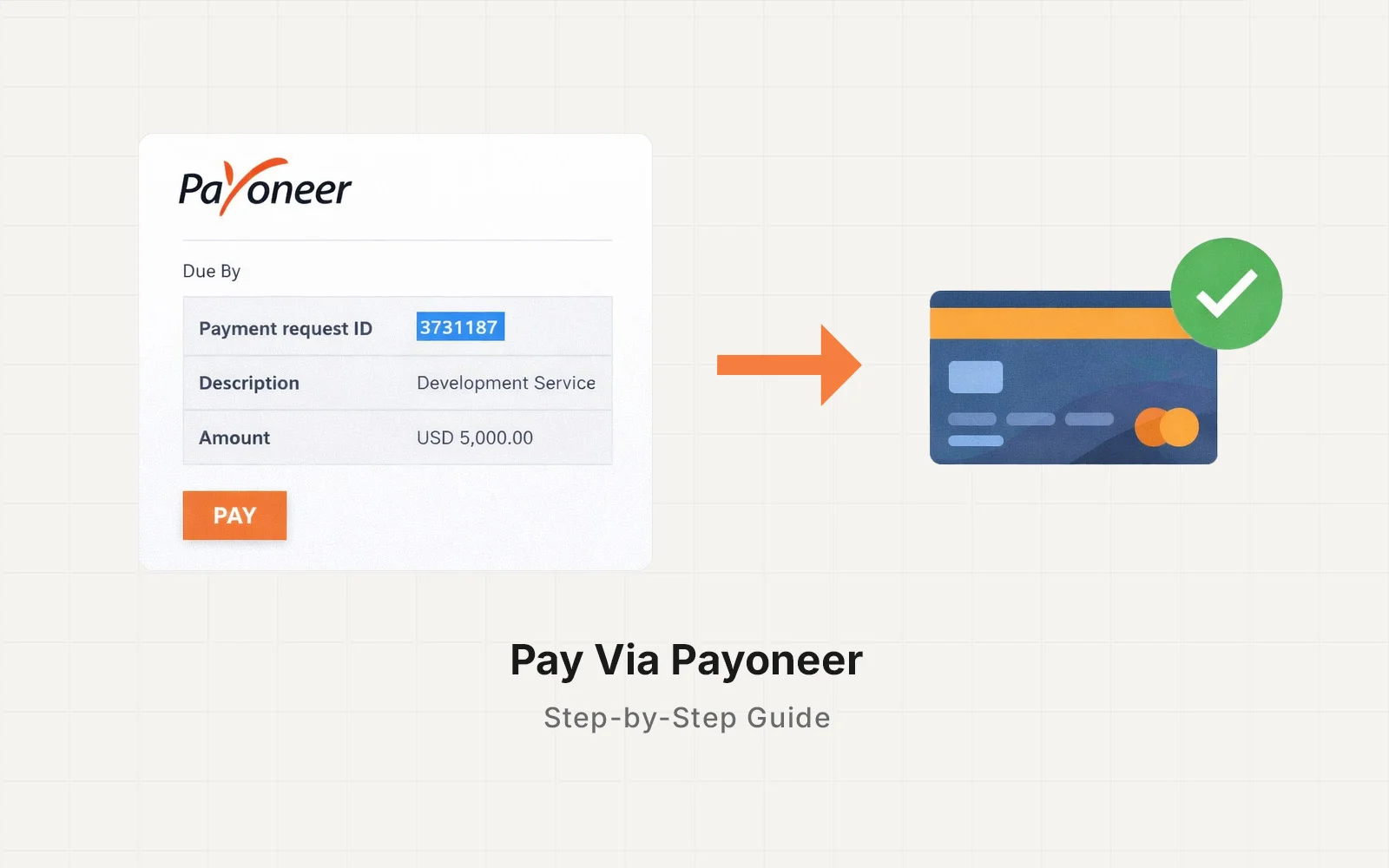
Once your project request is approved, you will receive a Payoneer invoice link via email with the payment details.
Step 1 — Open the Invoice Link
You will receive an email containing a secure payment link from Payoneer.
Click “Pay Now” to open the payment page.
The page will show:
- Invoice amount
- Currency
- Payment description
- Payment methods available in your region
This page is securely hosted by Payoneer.
Step 2 — Choose Your Payment Method
Payoneer typically offers several payment options depending on your location:
Credit or Debit Card
- Visa
- Mastercard
- American Express (in some regions)
Bank Transfer
You can pay directly from your bank account.
Local Payment Methods
Some countries support local bank payment options.
Payoneer automatically displays the methods available in your region.
Step 3 — Enter Your Payment Details
Fill in the required information:
- Name
- Billing details
- Card or bank information
Once complete, confirm the payment.
Payoneer will process the transaction securely.
Step 4 — Payment Confirmation
After payment is completed:
- You will receive a payment confirmation email
- I will also be notified automatically
Once payment is confirmed, the project milestone or maintenance plan will begin.
Processing Time
Payment processing depends on the method used:
| Payment Method | Typical Processing Time |
|---|---|
| Credit / Debit Card | Instant |
| Bank Transfer | 1–3 business days |
| Local Bank Payment | 1–3 business days |
Work begins once the payment is confirmed.
Are There Additional Fees?
Some payment methods may include processing fees depending on your country or bank.
For the most up-to-date Payoneer fee information, please refer to the official documentation:
Payoneer Pricing & Fees
https://www.payoneer.com/about/pricing/
Security & Privacy
Payoneer is a globally recognized payment platform used by freelancers, businesses, and marketplaces worldwide.
Payments are processed through Payoneer’s secure system, and your financial details are never shared with me directly.
Learn more about Payoneer security here:
Payoneer Security Overview
https://www.payoneer.com/security/
Need Help With Payment?
If you encounter any issues while completing your payment, feel free to reach out.
You can also review Payoneer’s official help center:
Payoneer Help Center
https://payoneer.custhelp.com/