Why Most WordPress Websites Become Slow Over Time
Many WordPress websites become slow over time. Learn the real reasons behind performance decline and how clean architecture prevents it.
Chapters
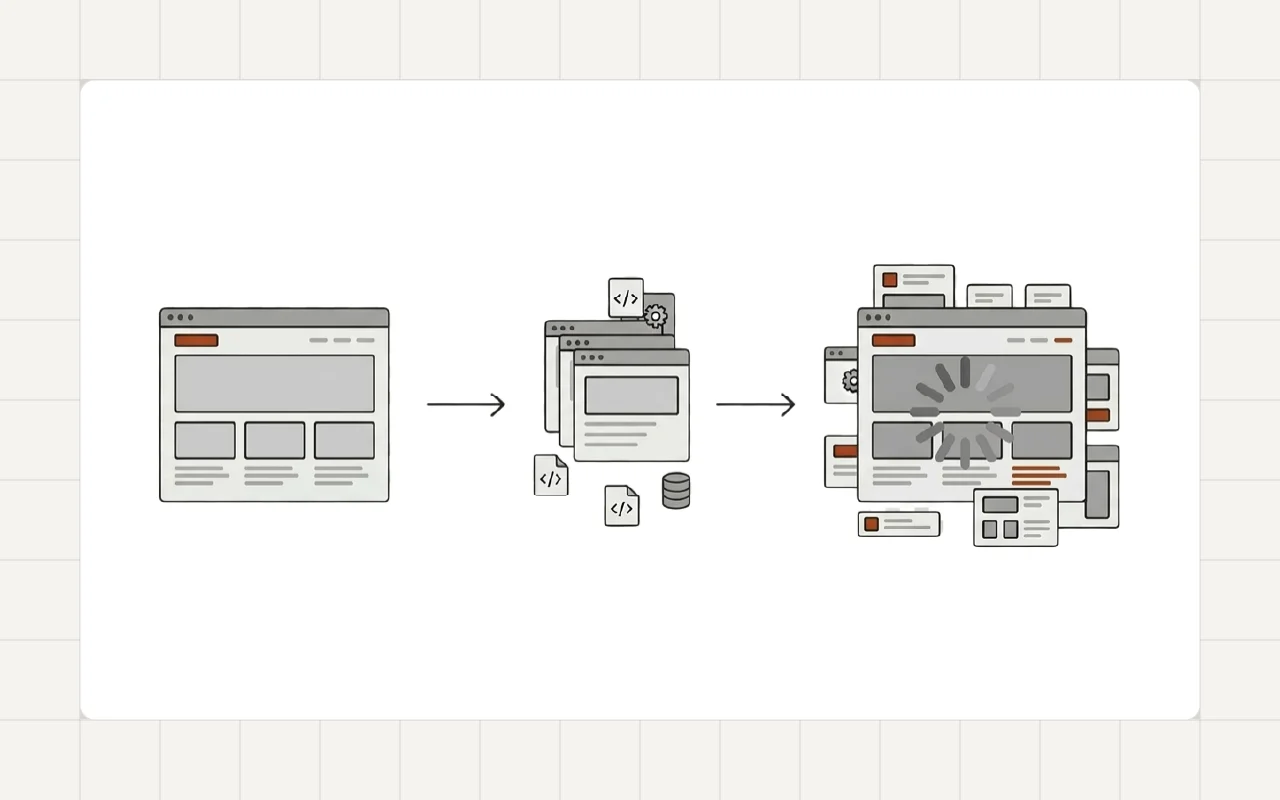
Many WordPress websites start fast.
Then they slowly become slower.
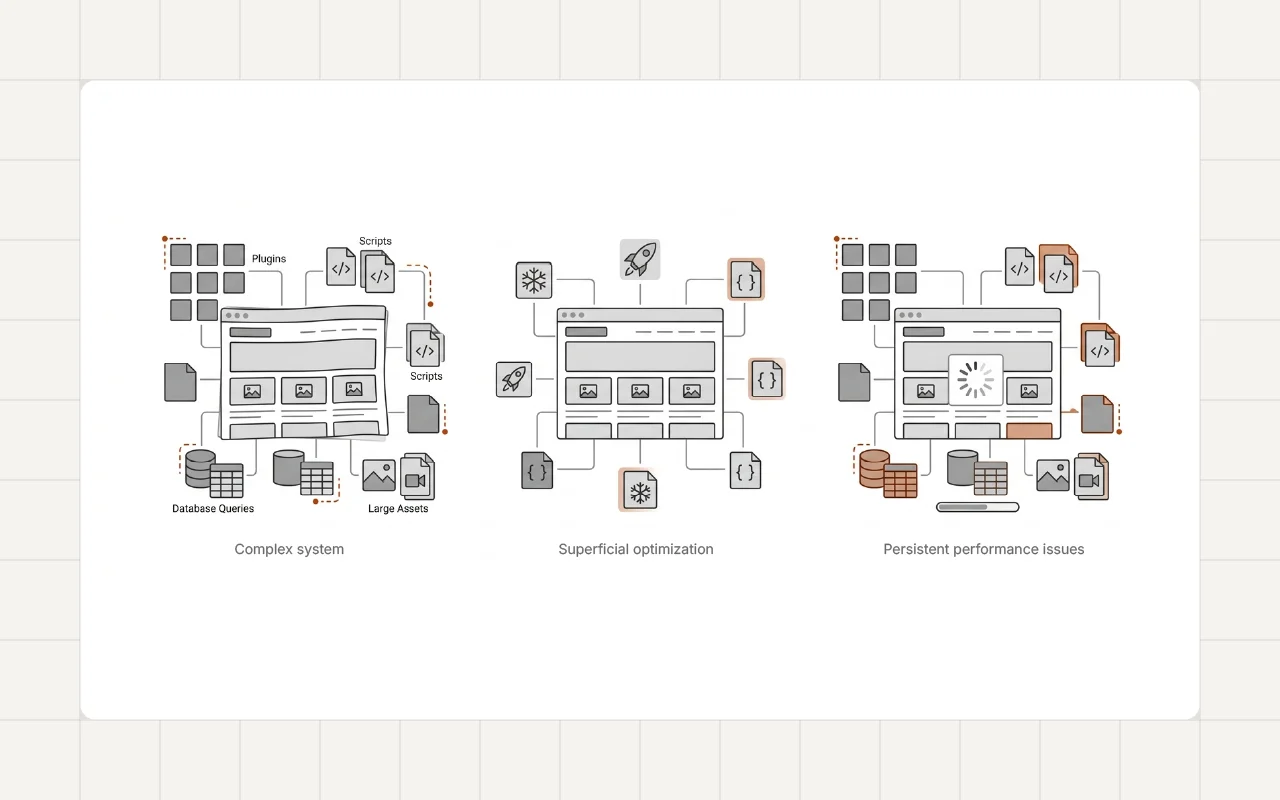
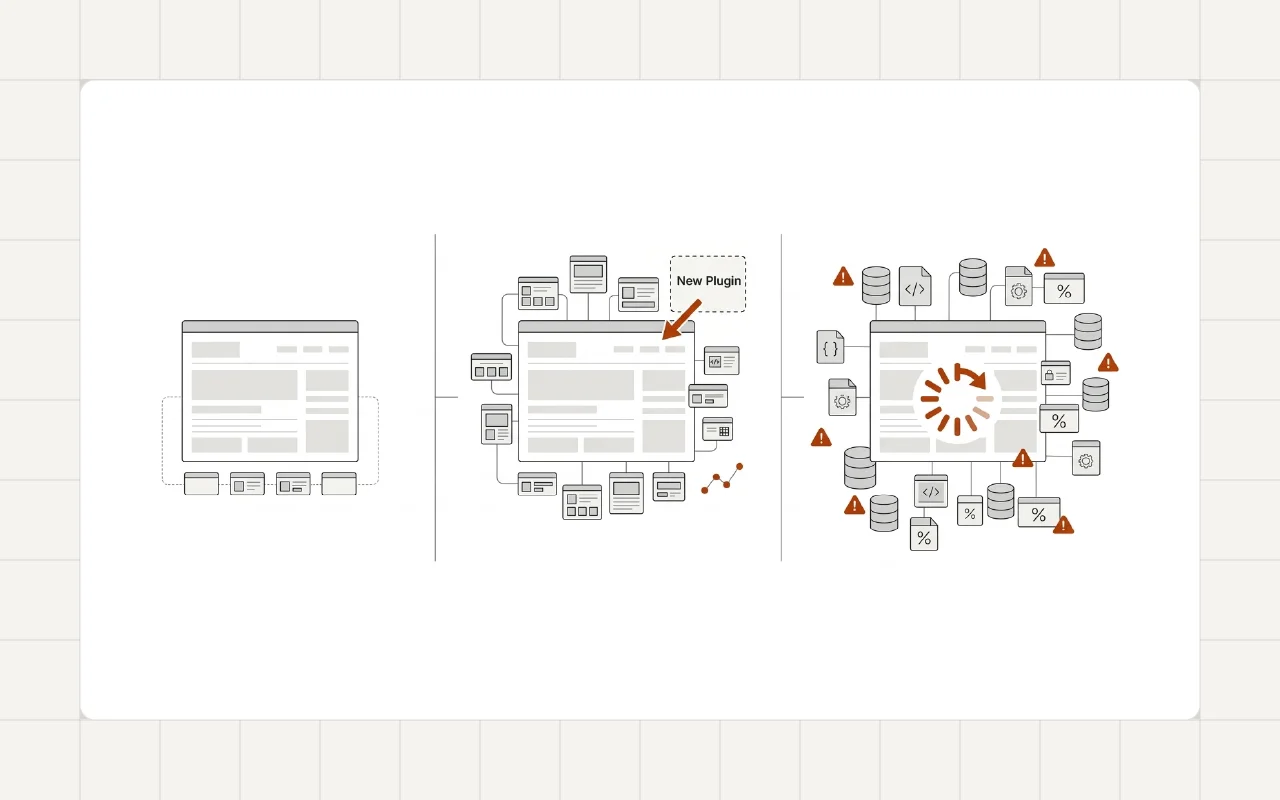
The change is rarely sudden. It happens gradually. A plugin is added. A theme grows heavier. More scripts load on every page.
After a year or two, the site feels sluggish.
This pattern appears in many WordPress projects. Understanding why it happens is the first step toward preventing it.
Why WordPress Performance Degrades Over Time
WordPress itself is not slow.
Most performance problems appear later. They grow as the site evolves.
Several factors usually contribute.
Plugin Accumulation
Plugins are powerful. They add features quickly.
But every plugin introduces:
- additional PHP execution
- database queries
- JavaScript and CSS files
Over time, sites often accumulate dozens of plugins.
It’s common to see 40 or more installed. Some overlap in functionality. Some are no longer needed.
Each one adds a small cost. Together they create noticeable overhead.
Theme Complexity
Themes often grow heavier over time.
Features are added. Layouts expand. More scripts load globally.
Many themes include assets that load on every page even when they are not needed.
This increases page size and slows rendering.
Third-Party Scripts
Modern websites rely on external services.
Examples include:
- analytics tools
- marketing scripts
- chat widgets
- embedded media
Each script requires additional network requests.
Even when the WordPress code is optimized, these external dependencies can slow the page.
Database Growth
WordPress stores content, revisions, settings, and plugin data in the database.
As the site ages, the database grows.
Large tables and unused records increase query time.
This effect is gradual but noticeable on older websites.
Real-World Pattern
In many performance audits, the issue is not a single problem.
Instead, it is the accumulation of many small decisions.
For example:
- dozens of active plugins
- multiple page builder extensions
- unoptimized images
- scripts loading on every page
Individually these issues seem minor. Together they create a heavy system.
This pattern appears frequently in performance audits. For example, during a recent WordPress performance optimization project for a travel agency website, several unnecessary plugins and scripts were removed, which significantly reduced page load time.
A Developer Perspective
Performance problems rarely appear because WordPress is flawed.
They usually come from architectural decisions made during the life of the project.
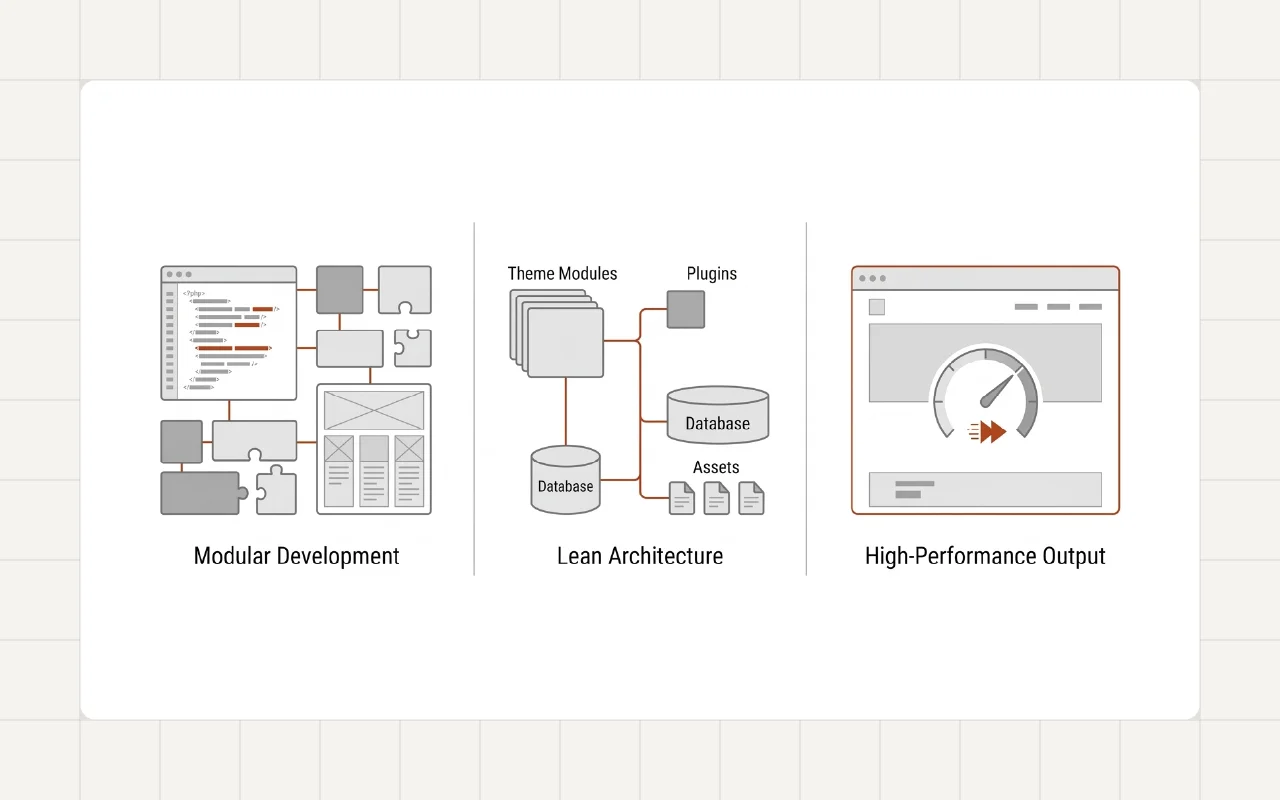
Healthy WordPress projects tend to follow a few principles:
- minimal plugin usage
- clear theme structure
- selective script loading
- regular performance checks
These practices keep the system predictable.
Practical Steps to Improve Performance
If a WordPress website has become slow, a few changes can often make a significant difference.
Audit Installed Plugins
Remove plugins that duplicate functionality or are no longer required.
Each removed plugin reduces overhead.
In some projects, removing only a handful of unnecessary plugins can make a measurable difference. A similar cleanup was part of the WordPress speed optimization project for a restaurant website, where performance improved after reducing plugin overhead and optimizing asset loading.
Evaluate Theme Assets
Check which scripts and styles are loading.
Many themes load assets globally. Limiting them to the pages where they are needed improves performance.
Optimize Media
Images are often the largest part of a page.
Using modern formats and proper compression reduces page weight.
Monitor Performance
Tools such as performance audits and real-world metrics help track improvements.
Regular monitoring prevents problems from accumulating unnoticed.
The Long-Term Perspective
Performance is rarely solved by a single optimization.
The bigger factor is the overall structure of the website.
A clean architecture, minimal dependencies, and careful development practices keep WordPress websites fast for years.
Conclusion
Most WordPress websites do not become slow overnight.
The slowdown happens gradually as features accumulate and architecture becomes more complex.
Understanding this lifecycle helps prevent performance issues before they grow difficult to fix.
If you’re dealing with similar performance or maintainability issues on your WordPress site, feel free to reach out.