What Happens If a Plugin Update Breaks Something
Learn what happens if a WordPress plugin update breaks your website and how backups, troubleshooting, and safe updates help resolve issues quickly.
Chapters
WordPress plugins add important functionality to your website. However, like any software update, plugin updates can sometimes cause unexpected issues.
This guide explains what happens if a plugin update causes a problem and how those situations are handled during maintenance.
Why Plugin Updates Sometimes Cause Issues
WordPress plugins are developed by different developers and must work together with:
- the WordPress core
- other installed plugins
- your active theme
- your hosting environment
When a plugin updates, changes in its code may occasionally create conflicts with other parts of the website.
Common issues may include:
- layout problems
- broken functionality
- plugin conflicts
- slow website performance
These situations are rare but possible.
How Updates Are Applied Safely
During maintenance, updates are handled carefully to minimize risks.
Typical precautions include:
- creating a backup before updates
- updating plugins one at a time
- testing the website after updates
- monitoring for errors
This approach helps quickly identify which plugin may be causing a problem.
What Happens If an Issue Appears
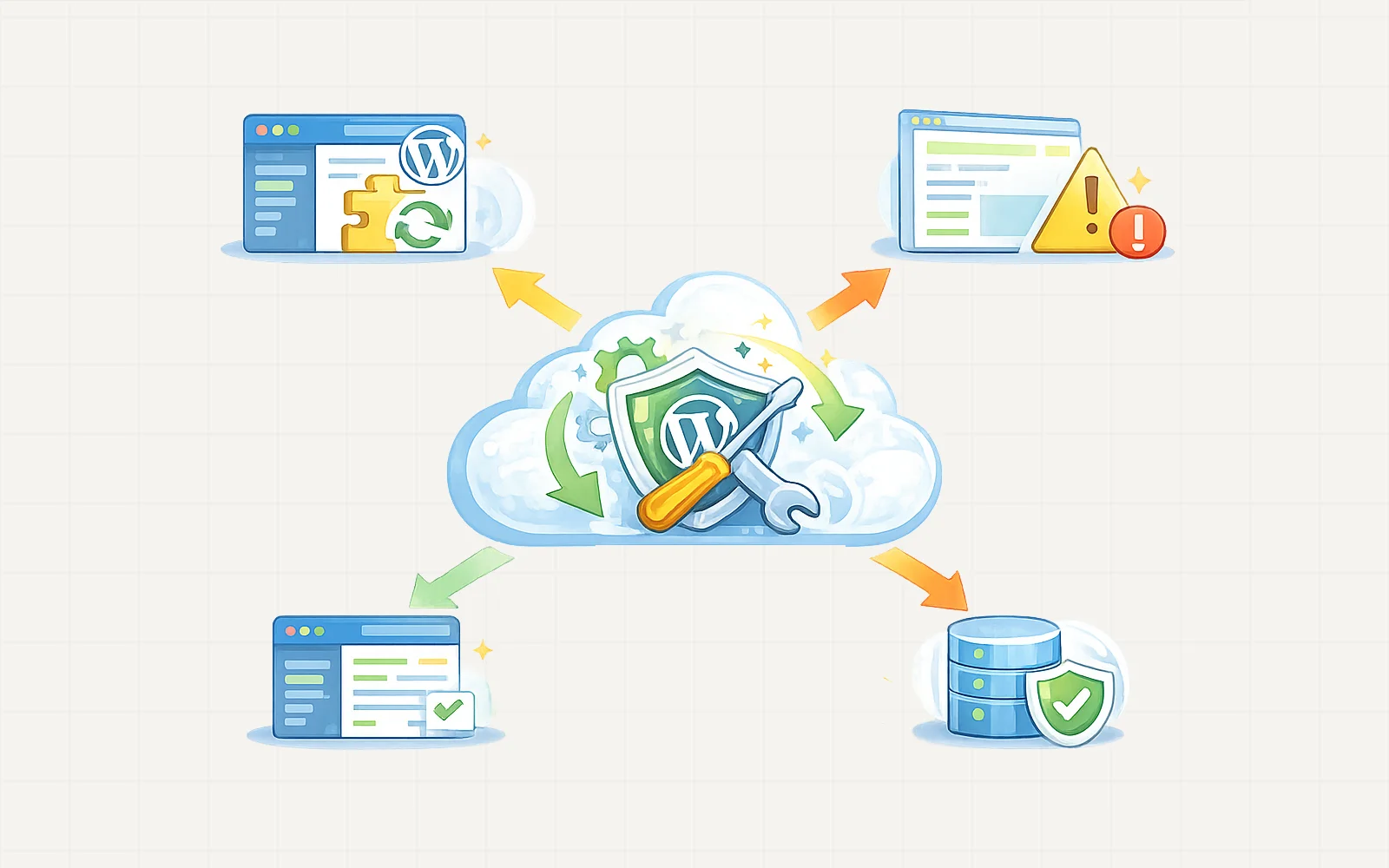
If a plugin update causes a problem, the issue is investigated immediately.
Common steps include:
- Identifying the plugin responsible for the issue
- Rolling back to the previous version if necessary
- Applying a temporary fix or configuration change
- Checking if the plugin developer has released a patch
In many cases, problems can be resolved quickly.
Using Backups to Restore the Website
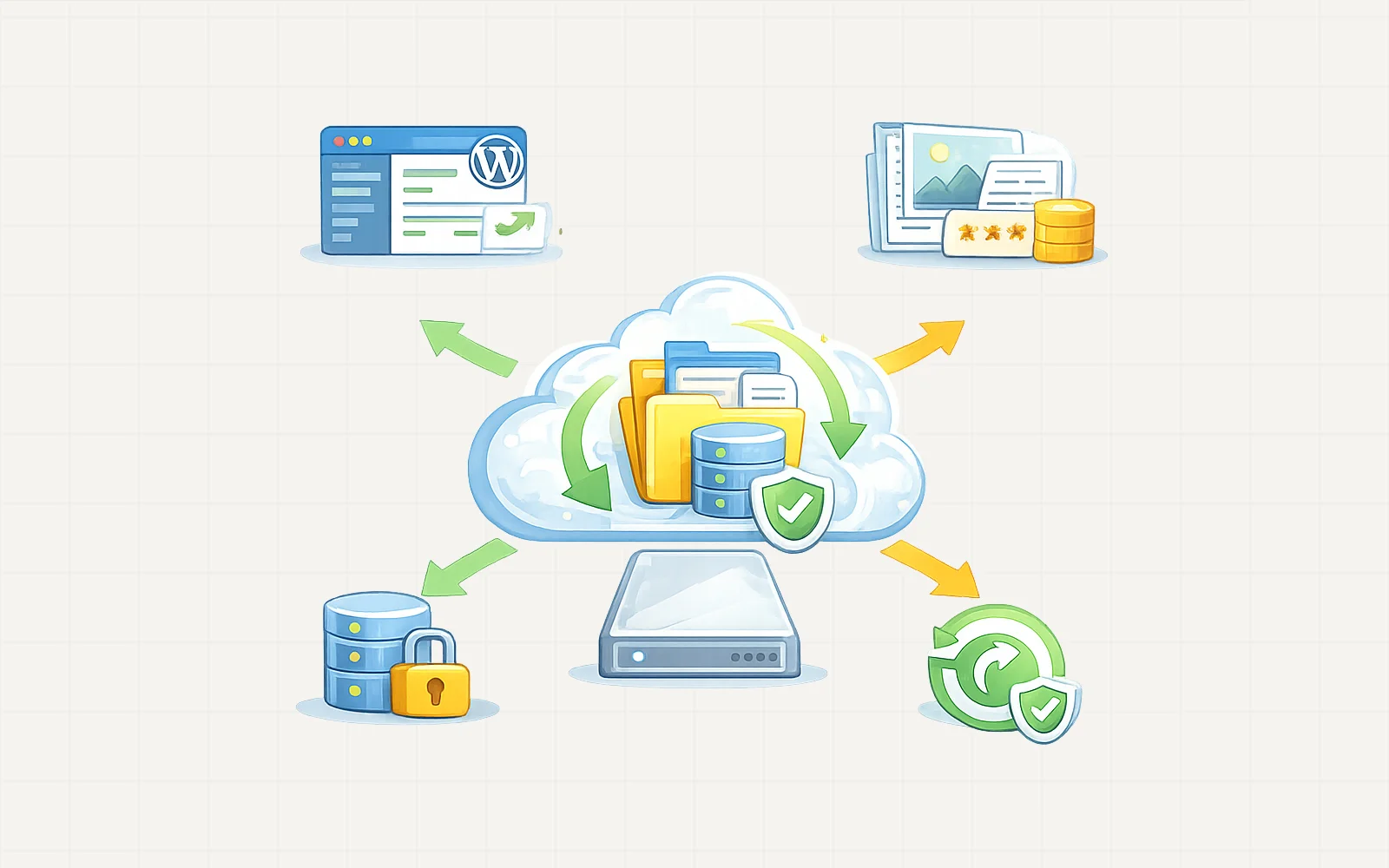
If the issue affects the website significantly, the fastest solution may be restoring the site from a backup.
This returns the website to a stable state before the update occurred, allowing the update to be tested again later.
When a Plugin Should Be Replaced
Sometimes the best long-term solution is replacing the plugin.
This may happen if the plugin:
- is no longer maintained
- causes repeated compatibility issues
- conflicts with modern WordPress updates
In these cases, a safer alternative plugin may be recommended.
Preventing Future Plugin Issues
To reduce risks, good maintenance practices include:
- using well-maintained plugins
- keeping plugin counts reasonable
- testing updates carefully
- maintaining reliable backups
These steps help keep your website stable while still benefiting from plugin updates.