How Maintenance Plans Work Month-to-Month
Learn how WordPress maintenance plans work month-to-month, including updates, monitoring, fixes, and how ongoing website care is managed.
Chapters
WordPress maintenance keeps your website secure, updated, and performing smoothly.
This guide explains how the monthly maintenance workflow operates and what you can expect each month.
Maintenance plans are designed to provide continuous care for your website, preventing problems before they happen and resolving issues quickly when they arise.
What a Maintenance Plan Covers
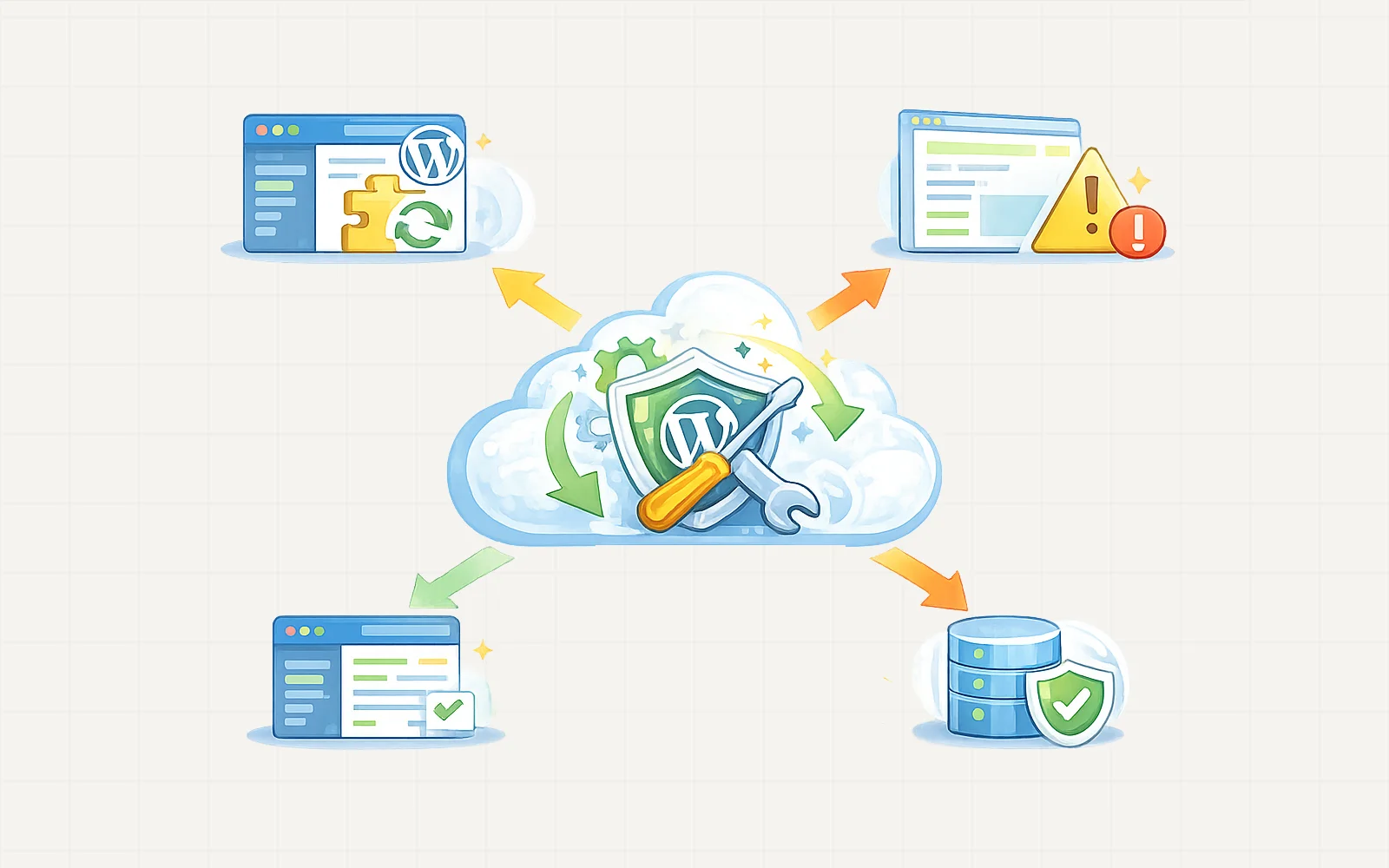
A maintenance plan focuses on keeping your website stable, secure, and optimized.
Typical maintenance tasks include:
- WordPress core updates
- Plugin and theme updates
- Security monitoring
- Performance checks
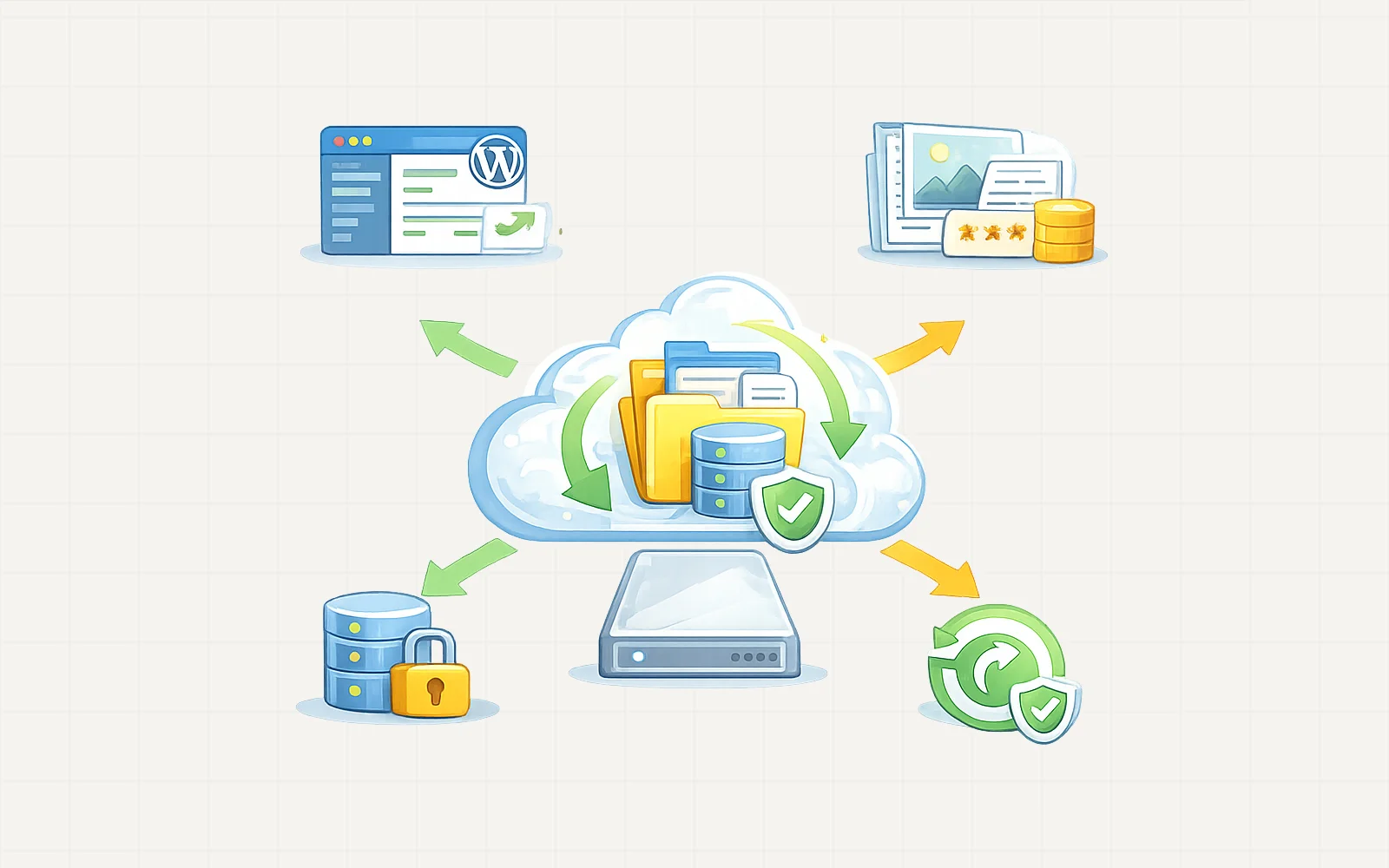
- Website backups
- Bug fixes and small adjustments
- Technical support when issues arise
The goal is to ensure your website stays reliable, fast, and secure over time.
See all the WordPress Maintenance Plans
How the Monthly Cycle Works
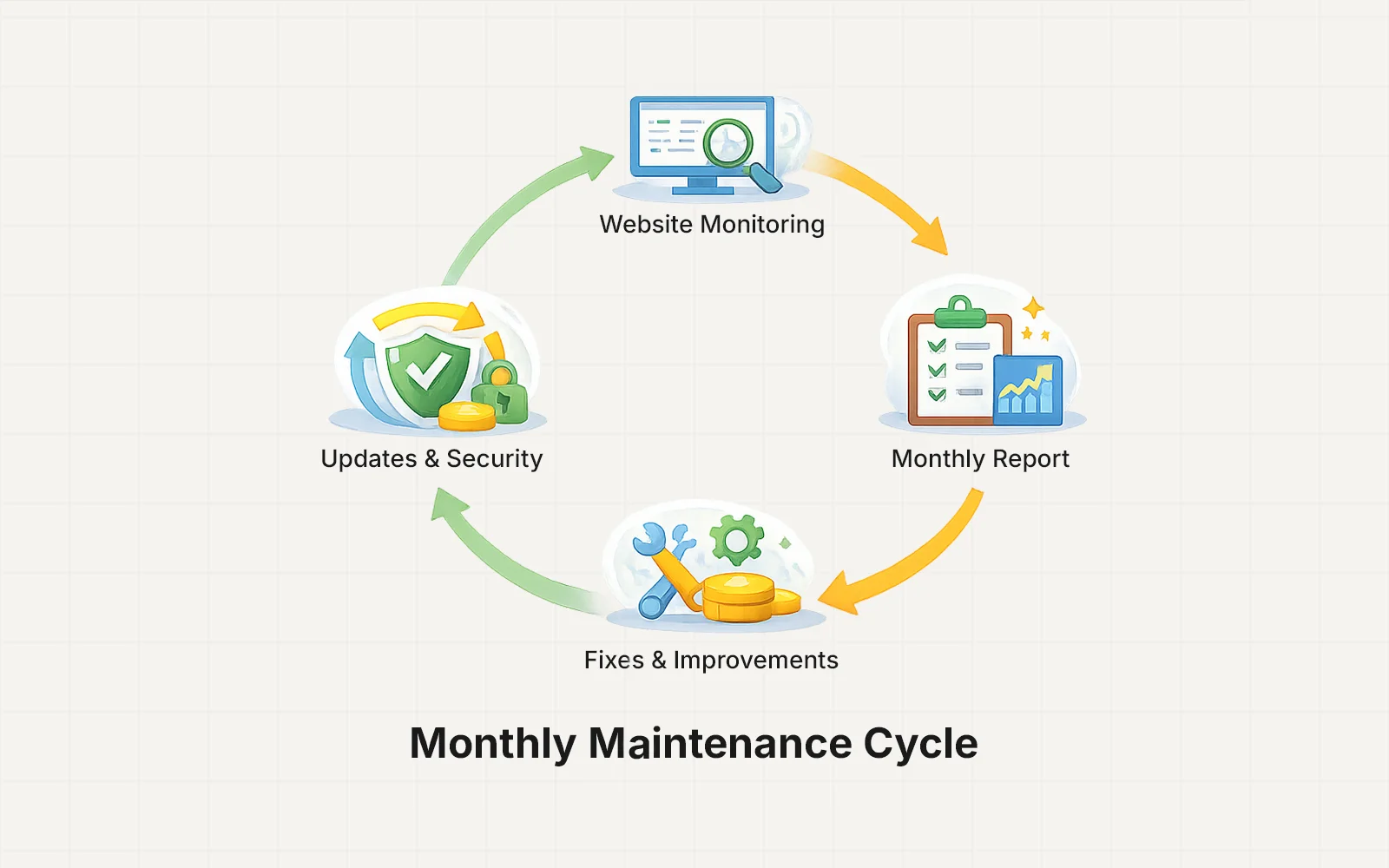
Maintenance plans follow a simple monthly workflow.
1. Subscription or Monthly Payment
Maintenance begins once the monthly payment is confirmed.
Depending on the client setup, payment may be handled through:
- Payoneer invoice
- Upwork direct contract
Once the first payment is completed, your maintenance plan becomes active.
2. Initial Website Check
When a new maintenance plan begins, the website is reviewed to understand its current condition.
This may include checking:
- WordPress version
- installed plugins
- hosting setup
- performance status
- security configuration
This helps identify any existing issues before regular maintenance begins.
3. Ongoing Updates & Monitoring
Throughout the month, your website is monitored and maintained.
Typical activities include:
- Applying WordPress updates
- Updating plugins safely
- Monitoring site health
- Reviewing performance metrics
- Checking for security concerns
Updates are applied carefully to minimize risk of breaking the website.
4. Fixes & Small Improvements
Maintenance plans usually include support for minor fixes or adjustments, such as:
- fixing small layout issues
- resolving plugin conflicts
- troubleshooting technical problems
- adjusting site settings
Larger feature requests or redesign work may be handled as a separate project.
5. Monthly Reporting & Updates
Clients may receive updates about important maintenance actions such as:
- updates performed
- issues resolved
- performance improvements
- security fixes
In the future, these updates may also be visible through the client dashboard.
What Happens If a Major Issue Appears
If a larger issue occurs — for example:
- plugin incompatibility
- hosting problems
- major performance issue
The problem will be diagnosed first.
Depending on complexity, the fix may be handled within the maintenance scope or proposed as additional work if required.
This ensures transparency before larger changes are made.
Cancelling or Changing a Maintenance Plan
Maintenance plans are designed to stay flexible.
Clients can:
- continue month-to-month
- upgrade or downgrade plans
- pause maintenance if needed
If a plan is cancelled, the website remains fully functional, but ongoing monitoring and updates will stop.
Why Ongoing Maintenance Matters
Many WordPress issues happen because websites are not updated regularly.
Without maintenance, websites may become vulnerable to:
- security threats
- plugin conflicts
- performance degradation
- outdated software
Regular maintenance helps keep your website stable and future-proof.