Why Plugin Bloat Slowly Breaks WordPress Websites
Too many plugins can slow down and destabilize WordPress websites. Learn how plugin bloat happens and how to maintain a clean, fast site.
Chapters
Plugins are one of WordPress’s greatest strengths.
They allow websites to add complex features without custom development.
But over time, plugins can also become one of the biggest sources of performance and maintenance problems.
Many slow or unstable WordPress websites share the same pattern: too many plugins running at the same time.
What Plugin Bloat Actually Means
Plugin bloat does not simply mean having many plugins installed.
The real issue appears when plugins introduce unnecessary complexity.
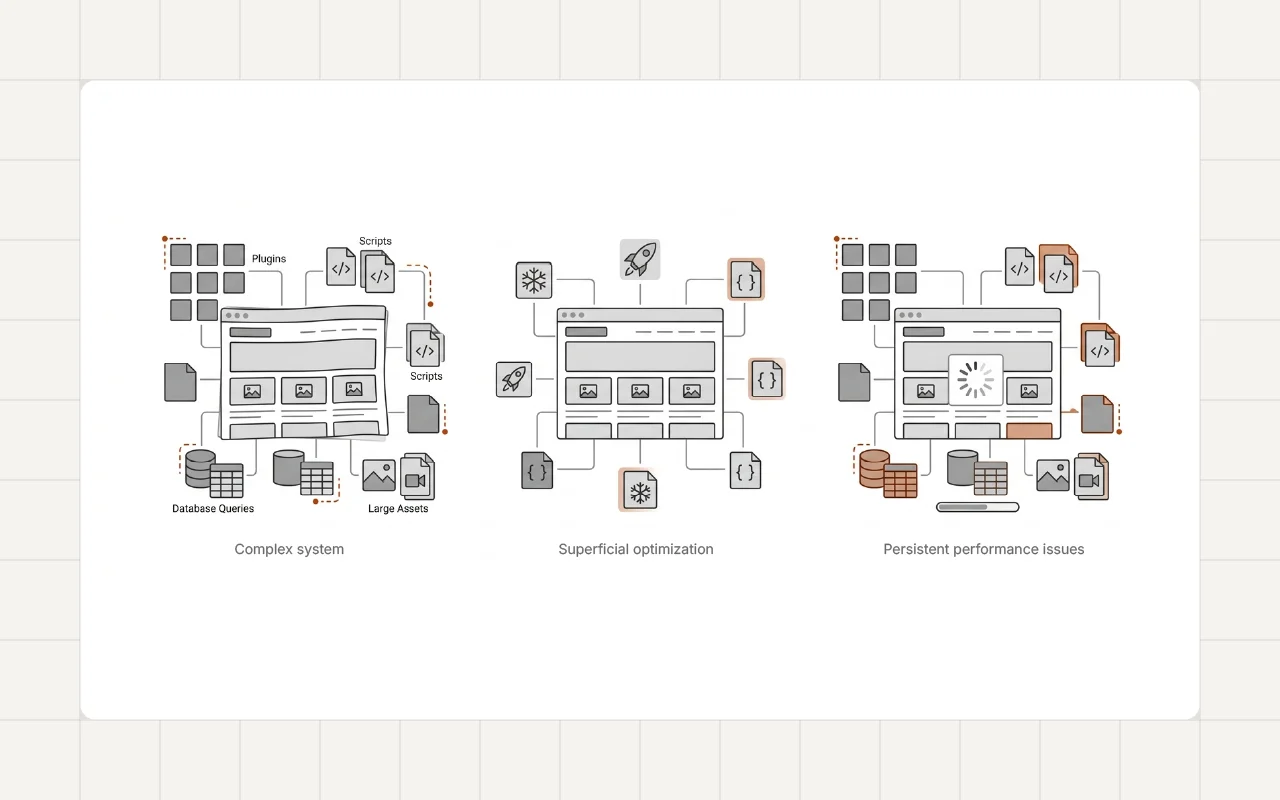
Each plugin may add:
- database queries
- CSS and JavaScript files
- background processes
- additional API requests
Individually these costs may seem small.
Together they can significantly increase the amount of work a page must perform before it becomes usable.
This gradual accumulation is also one of the reasons many WordPress websites become slower over time, which is discussed in Why Most WordPress Websites Become Slow Over Time.
Why Plugin Bloat Happens
Plugin bloat rarely happens intentionally.
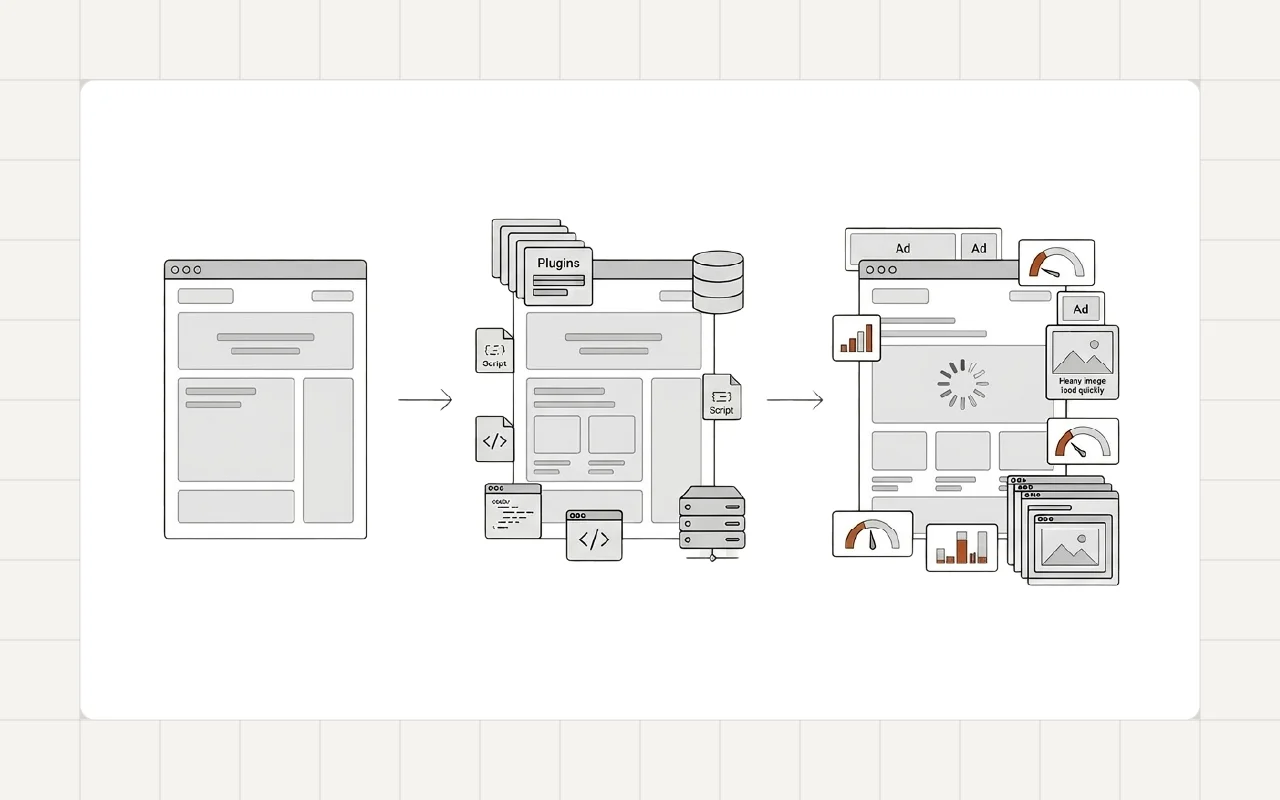
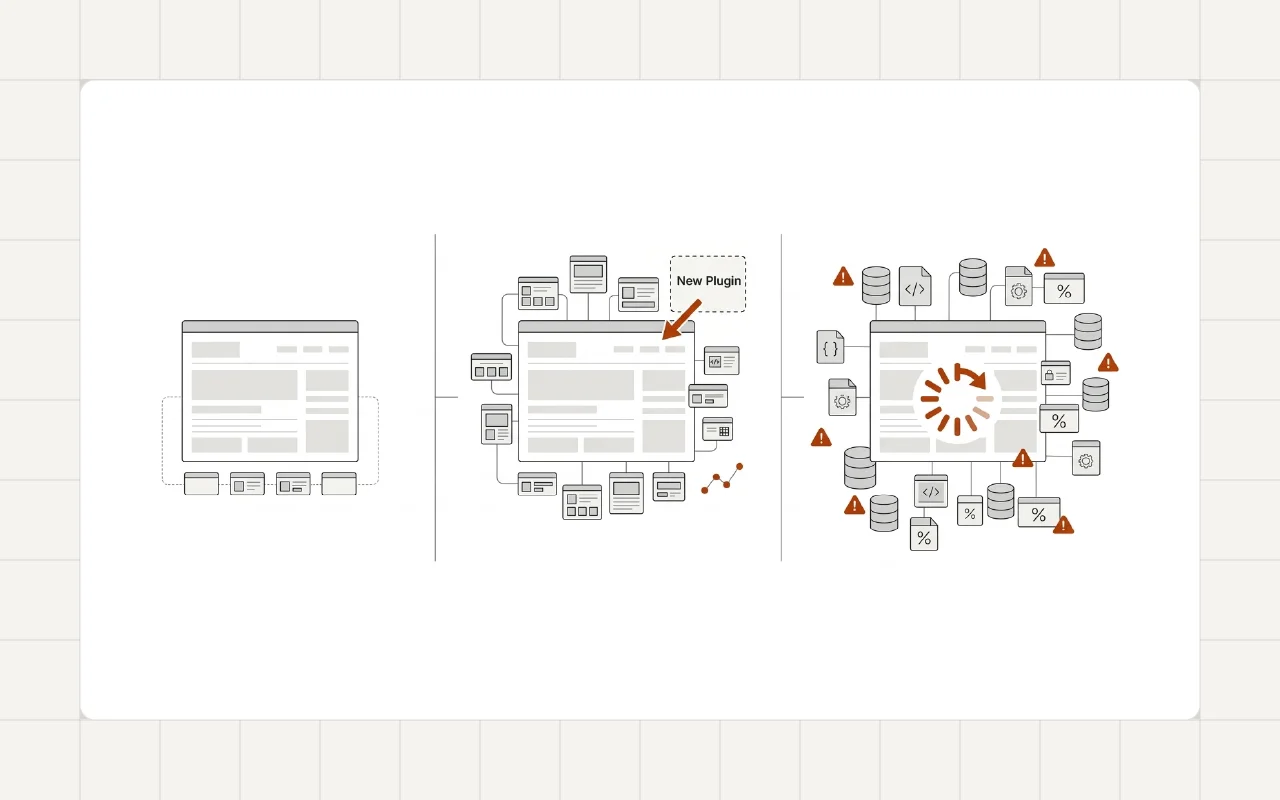
It usually develops gradually as the website evolves.
Feature Expansion
As websites grow, new features are added:
- forms
- SEO tools
- analytics
- marketing integrations
- page builder extensions
Each feature often introduces another plugin.
Over time the site becomes dependent on many separate tools.
Overlapping Functionality
Another common issue is plugin overlap.
For example, a website might run:
- multiple SEO plugins
- several performance plugins
- page builder add-ons
- analytics integrations
Many of these tools perform similar tasks.
This creates unnecessary duplication of scripts and database activity.
Legacy Plugins
Older websites often keep plugins that are no longer actively used.
Sometimes these plugins were installed for temporary features or experiments.
Even when inactive features are no longer needed, the plugin may remain active in the system.
Performance Impact of Plugin Bloat
When too many plugins run together, several problems appear.
Increased Page Weight
Plugins often load scripts and styles on every page.
This increases the amount of data the browser must download.
More Database Queries
Many plugins store settings, logs, or analytics data.
These additional queries increase server workload.
Script Conflicts
Multiple plugins can introduce JavaScript conflicts or duplicated functionality.
This can slow down page rendering and reduce stability.
These types of issues often contribute to poor performance metrics such as those discussed in Real Causes of Poor Core Web Vitals in WordPress.
Real-World Example
Plugin bloat is one of the most common issues found during performance optimization projects.
For example, in a WordPress Speed Optimization for Two Digital Marketing Agency Websites project, several unnecessary plugins were removed and asset loading was simplified.
Reducing plugin overhead significantly improved page loading performance and stability.
A Developer Perspective
Experienced developers rarely rely on large numbers of plugins.
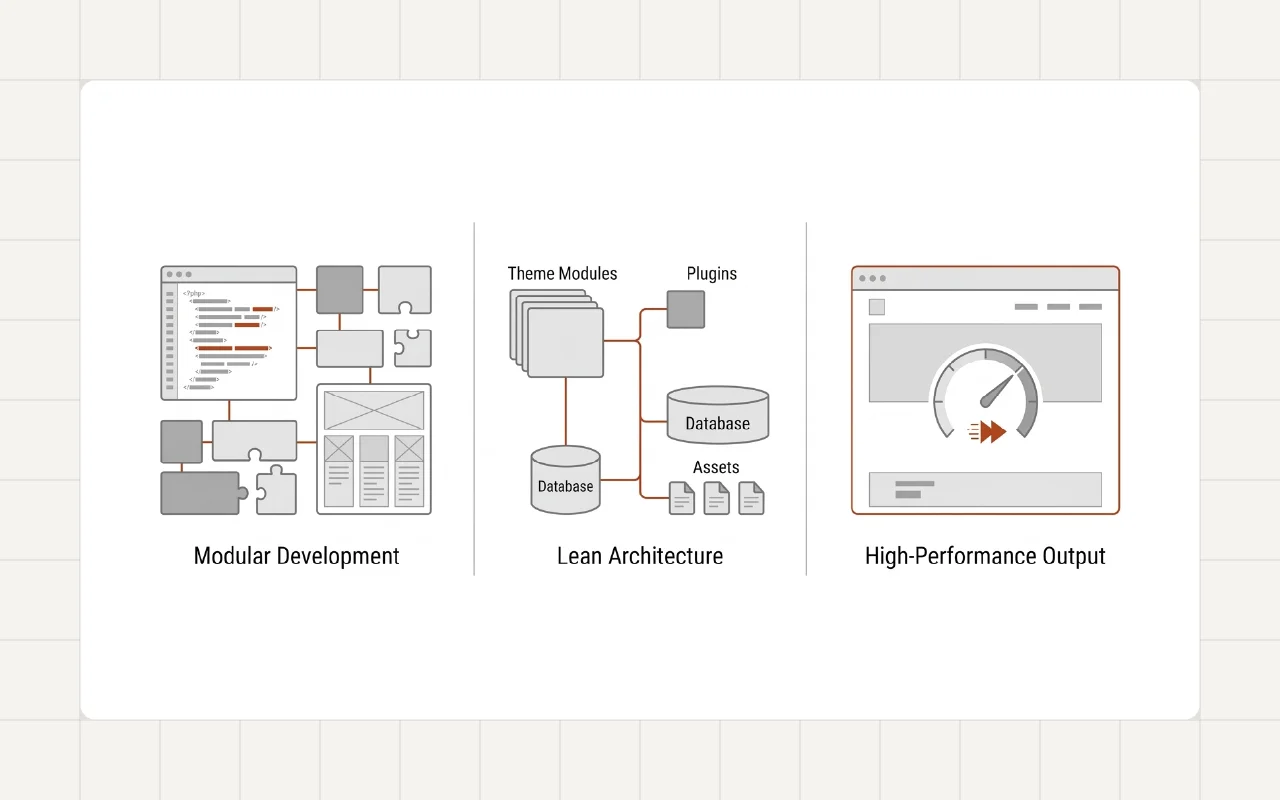
Instead, they try to maintain a controlled architecture.
A well-structured WordPress project typically focuses on:
- carefully selected plugins
- minimal overlapping functionality
- optimized asset loading
- lightweight theme structure
This approach keeps the system easier to maintain and improves long-term performance.
Practical Ways to Reduce Plugin Bloat
Plugin cleanup does not mean removing useful functionality.
It means simplifying the system where possible.
Audit Installed Plugins
Review which plugins are active and what each one does.
Remove tools that duplicate functionality or are no longer necessary.
Avoid Feature Overlap
When selecting plugins, check whether existing plugins already provide similar capabilities.
Evaluate Plugin Quality
Choose plugins that are actively maintained and widely used.
Well-developed plugins usually follow better coding practices.
Limit Page Builder Extensions
Many page builders have large ecosystems of add-ons.
Installing too many of these extensions can significantly increase page complexity.
Long-Term Perspective
Plugins are an essential part of the WordPress ecosystem.
The goal is not to avoid plugins entirely.
Instead, the goal is to use them carefully and maintain a clean architecture as the website grows.
A disciplined plugin strategy helps keep WordPress websites fast, stable, and easier to maintain over time.
Conclusion
Plugin bloat rarely appears overnight.
It develops gradually as features accumulate and plugins overlap in functionality.
Regular audits and careful plugin selection help maintain a cleaner, faster WordPress environment.
If your WordPress website has accumulated too many plugins and performance has started to decline, feel free to reach out.