Real Causes of Poor Core Web Vitals in WordPress
Poor Core Web Vitals often come from scripts, images, and theme architecture. Learn the real causes behind WordPress performance issues.
Chapters
Many website owners first hear about Core Web Vitals through performance reports.
The message is simple: your site is too slow.
But the reports rarely explain why.
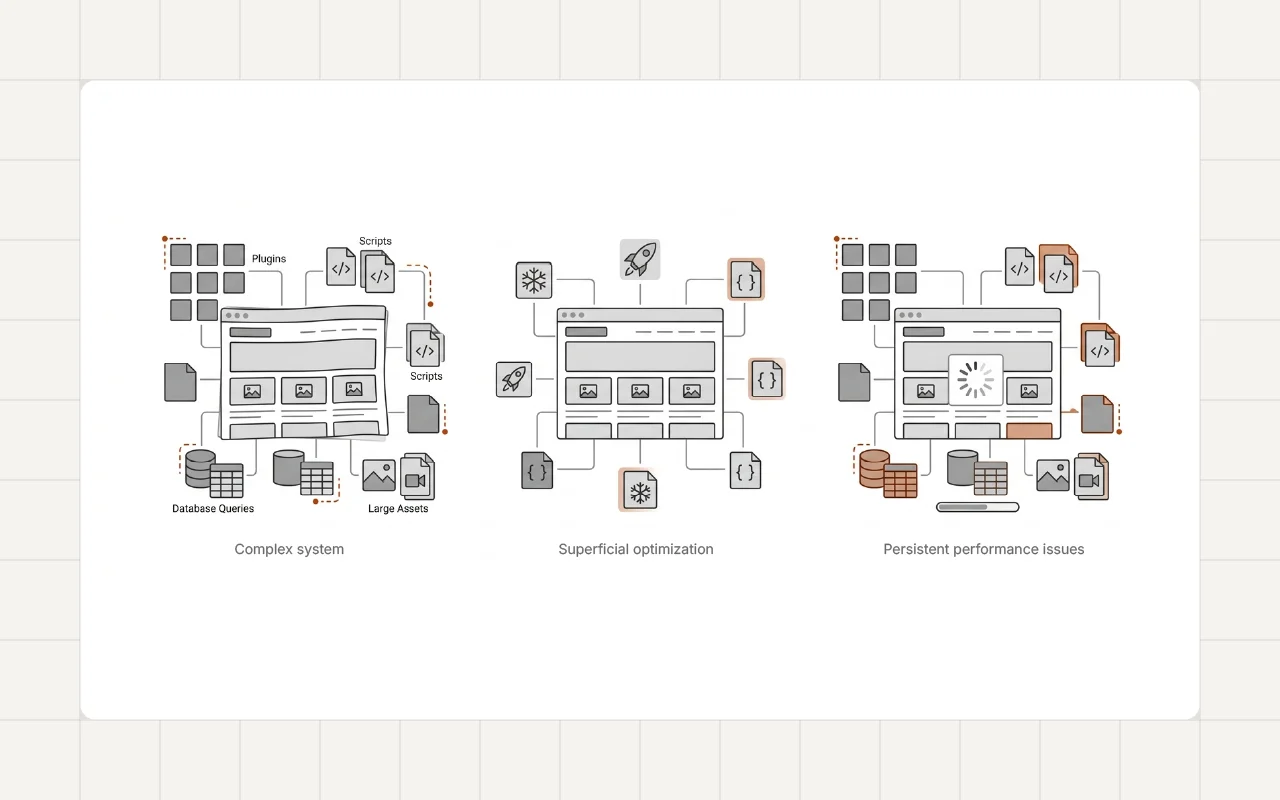
Improving Core Web Vitals in WordPress requires understanding the underlying causes. In most cases, the problem is not a single issue. It is a combination of several factors working together.
Some of the same issues that cause poor Core Web Vitals also explain why performance declines over time, which I discussed in Why Most WordPress Websites Become Slow Over Time.
What Core Web Vitals Measure
Core Web Vitals are performance metrics that describe how users experience a page.
The most important metrics include:
- Largest Contentful Paint (LCP) – how quickly the main content appears
- Interaction to Next Paint (INP) – how responsive the page feels
- Cumulative Layout Shift (CLS) – how stable the layout is during loading
These metrics help identify real user experience problems.
Heavy Images and Media
Large images are one of the most common causes of poor LCP scores.
Many websites upload images directly from design files or high-resolution cameras. These files are often several megabytes in size.
When large images load above the fold, the browser must download and render them before the page appears complete.
Optimizing image size and format often produces immediate improvements.
Render-Blocking CSS and JavaScript
Browsers must process certain files before displaying a page.
If large CSS or JavaScript files load early, they delay rendering.
This problem is common with:
- page builders
- plugin scripts
- large theme frameworks
Reducing unnecessary scripts or deferring them can significantly improve loading speed.
Third-Party Scripts
Modern websites often rely on external services.
Examples include:
- analytics tools
- marketing scripts
- chat widgets
- embedded media
Each script introduces additional network requests.
Even when WordPress itself is optimized, these external dependencies can affect page responsiveness.
Plugin and Theme Architecture
Performance problems are rarely caused by a single plugin.
Instead, they appear when the overall system becomes complex.
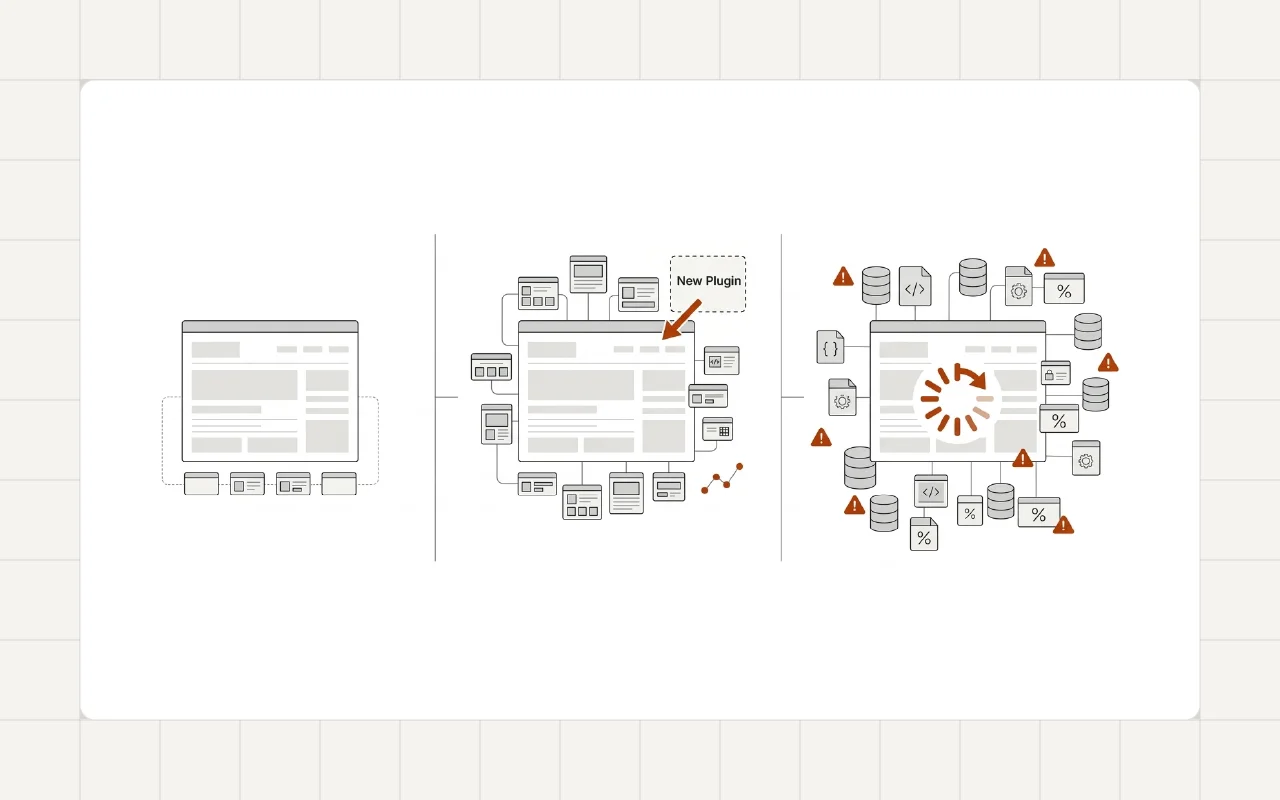
Over time, websites accumulate:
- additional plugins
- multiple page builder extensions
- scripts loading on every page
This increases the total amount of code that must execute before the page becomes usable.
This pattern is also a common reason many WordPress websites gradually become slower over time, which is explored further in Why Most WordPress Websites Become Slow Over Time.
Real-World Example
Core Web Vitals issues often appear during performance audits.
For example, during a WordPress Performance Optimization for a Law Firm Website project, several factors were affecting page speed scores. Large images, unused plugin scripts, and render-blocking styles were delaying page rendering.
After optimizing these elements, the site achieved significantly better loading performance.
Developer Perspective
Improving Core Web Vitals is not about chasing a perfect performance score.
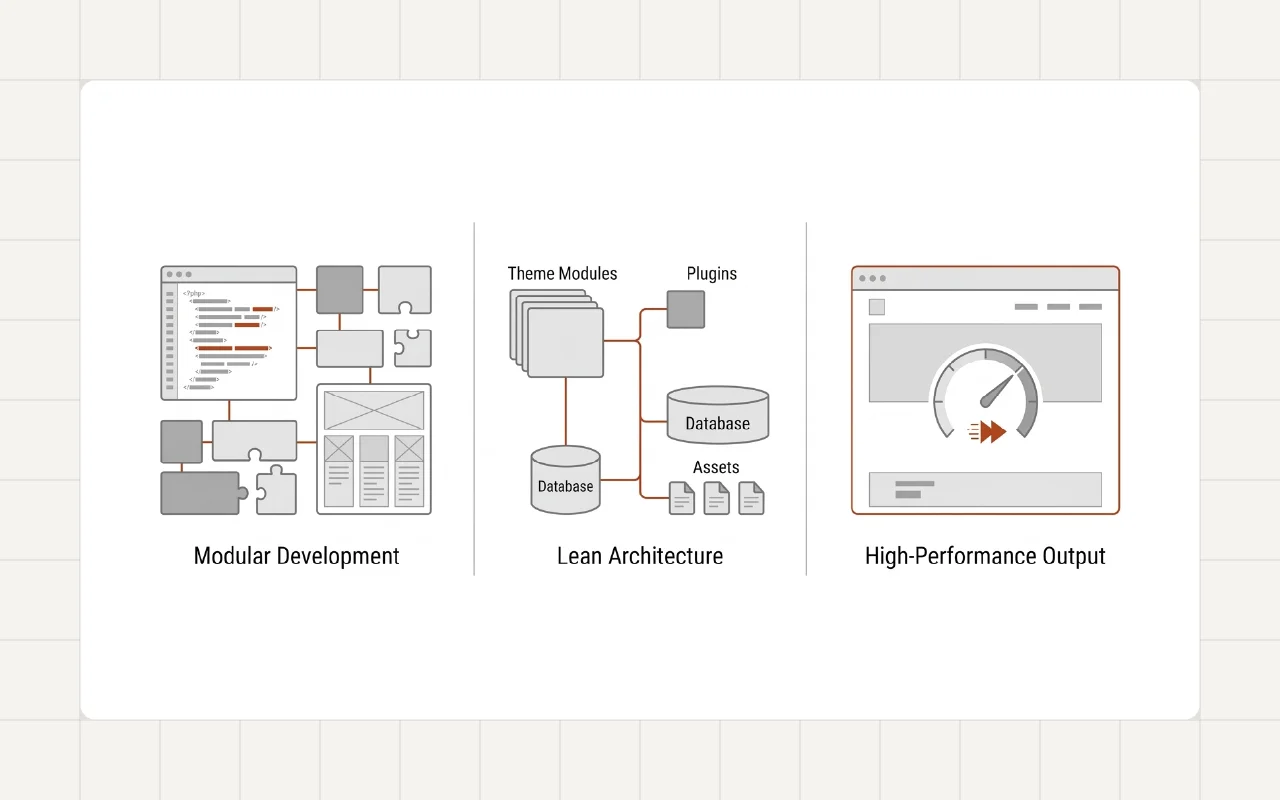
It is about creating a system that loads efficiently and predictably.
Well-structured WordPress projects typically focus on:
- minimal plugin usage
- optimized media
- controlled asset loading
- lightweight theme architecture
These practices help maintain strong performance as the website grows.
Practical Steps to Improve Core Web Vitals
Several improvements can significantly improve WordPress performance.
Optimize Images
Use properly compressed images and modern formats to reduce file size.
Reduce Script Overhead
Audit installed plugins and remove scripts that are not necessary.
Control Asset Loading
Load scripts and styles only where they are needed.
Monitor Performance
Regular performance monitoring helps identify issues early.
For websites that already suffer from performance degradation, a structured WordPress Speed Optimization process can often resolve the underlying problems.
Conclusion
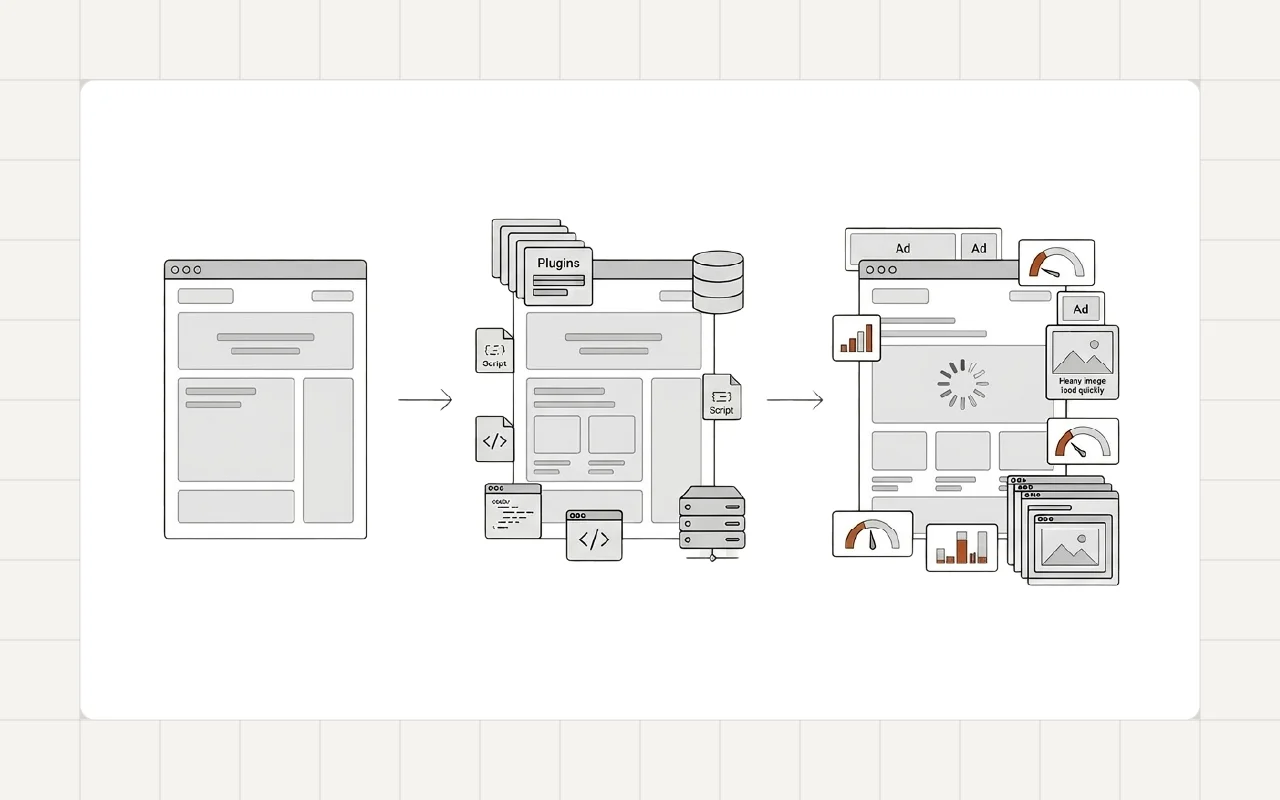
Poor Core Web Vitals scores rarely come from a single issue.
They usually appear when multiple small performance problems accumulate over time.
A clean architecture, optimized assets, and careful development practices help maintain strong performance as a WordPress website evolves.
If you’re experiencing Core Web Vitals issues on your WordPress site, feel free to reach out.