What Happens After You Submit a Request
Learn what happens after submitting a project request, from review and follow-up questions to project scope, agreement, and kickoff.
Chapters
After submitting a project or maintenance request, the next steps focus on reviewing your requirements and determining the best approach for your project.
This guide explains what typically happens after your request is received and how the process moves toward starting the work.
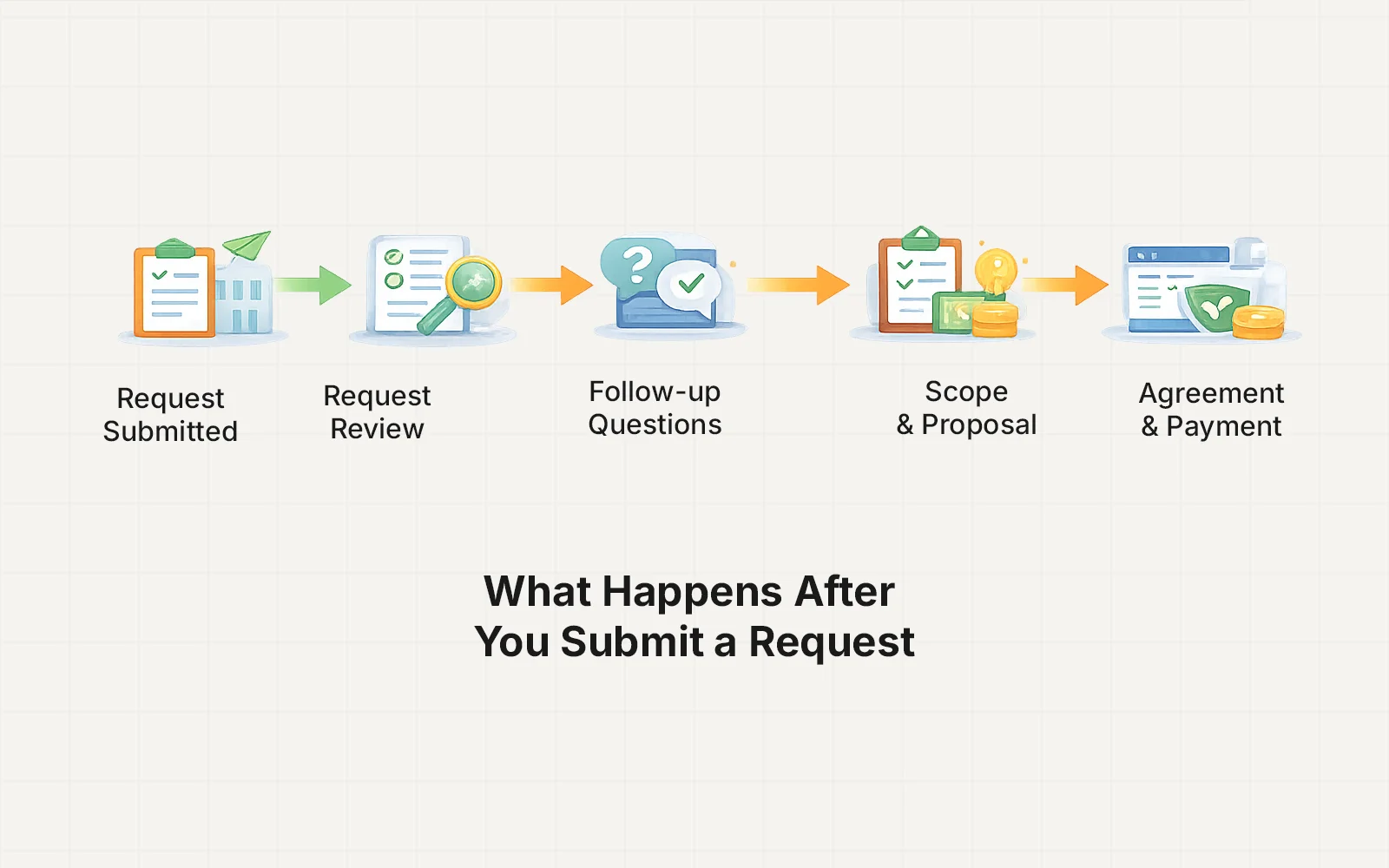
Step 1 — Request Confirmation
Once your request is submitted, it is received and reviewed manually.
This review helps understand:
- Your project goals
- Technical requirements
- Budget range
- Timeline expectations
If any information needs clarification, you may receive a short follow-up message.
Step 2 — Initial Review (Within 24 Hours)
Most requests are reviewed within 24 hours.
During this stage, the goal is to determine:
- Whether the project is a good fit
- The most suitable technical approach
- Estimated scope and complexity
This ensures that recommendations are tailored to your project rather than using generic solutions.
Step 3 — Follow-Up Questions (If Needed)
Some projects require a bit more information before moving forward.
You may be asked for details such as:
- Website access
- Design references
- Additional feature requirements
- Hosting or platform information
This helps avoid misunderstandings later in the project.
Step 4 — Project Scope & Next Steps
If the project looks like a good fit, the next step is outlining the proposed approach.
This may include:
- Recommended solution
- Estimated timeline
- Project cost or milestone structure
- Suggested payment method
The goal is to clearly define how the project will move forward.
Step 5 — Agreement & Payment Setup
Once everything is agreed upon, the project can be initiated.
Depending on the project type, payment may be handled through:
Upwork Direct Contracts
Often used for larger projects with milestone payments.
Payoneer Invoices
Commonly used for smaller projects or maintenance services.
After the first payment or milestone is funded, development can begin.
Step 6 — Project Kickoff
Once payment is confirmed, the project officially begins.
You will receive updates about:
- Timeline
- Progress
- Next development steps
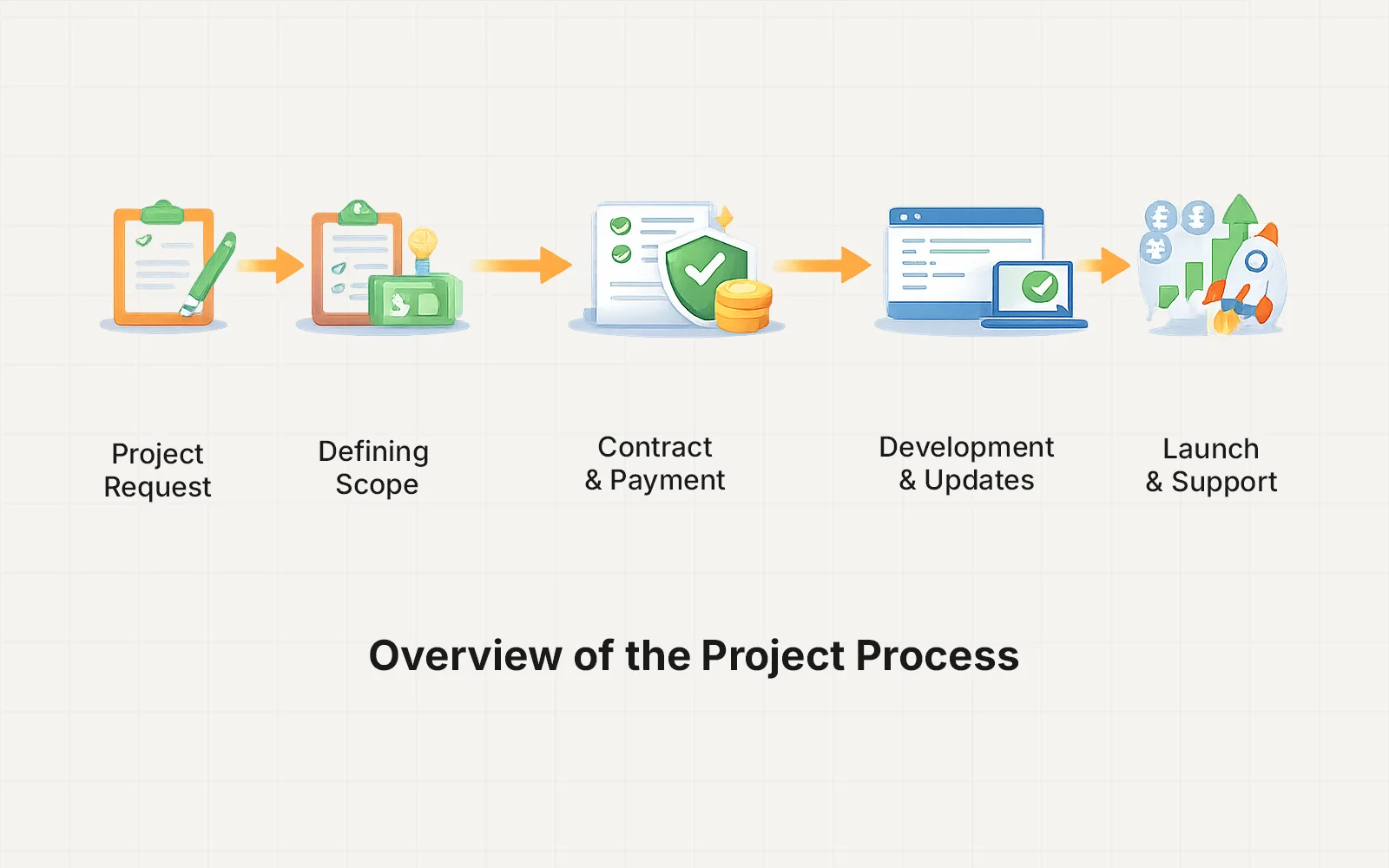
From this point forward, the project follows the structured workflow described in the Project Process guide.
Not Every Request Becomes a Project
Sometimes a request may not move forward if:
- The project falls outside the current scope of work
- The timeline or budget is not aligned
- The request requires services not currently offered
If that happens, you will still receive a response whenever possible.
Want to Learn the Full Project Workflow?
If you’re curious about how projects move from planning to delivery, you can read the full guide: